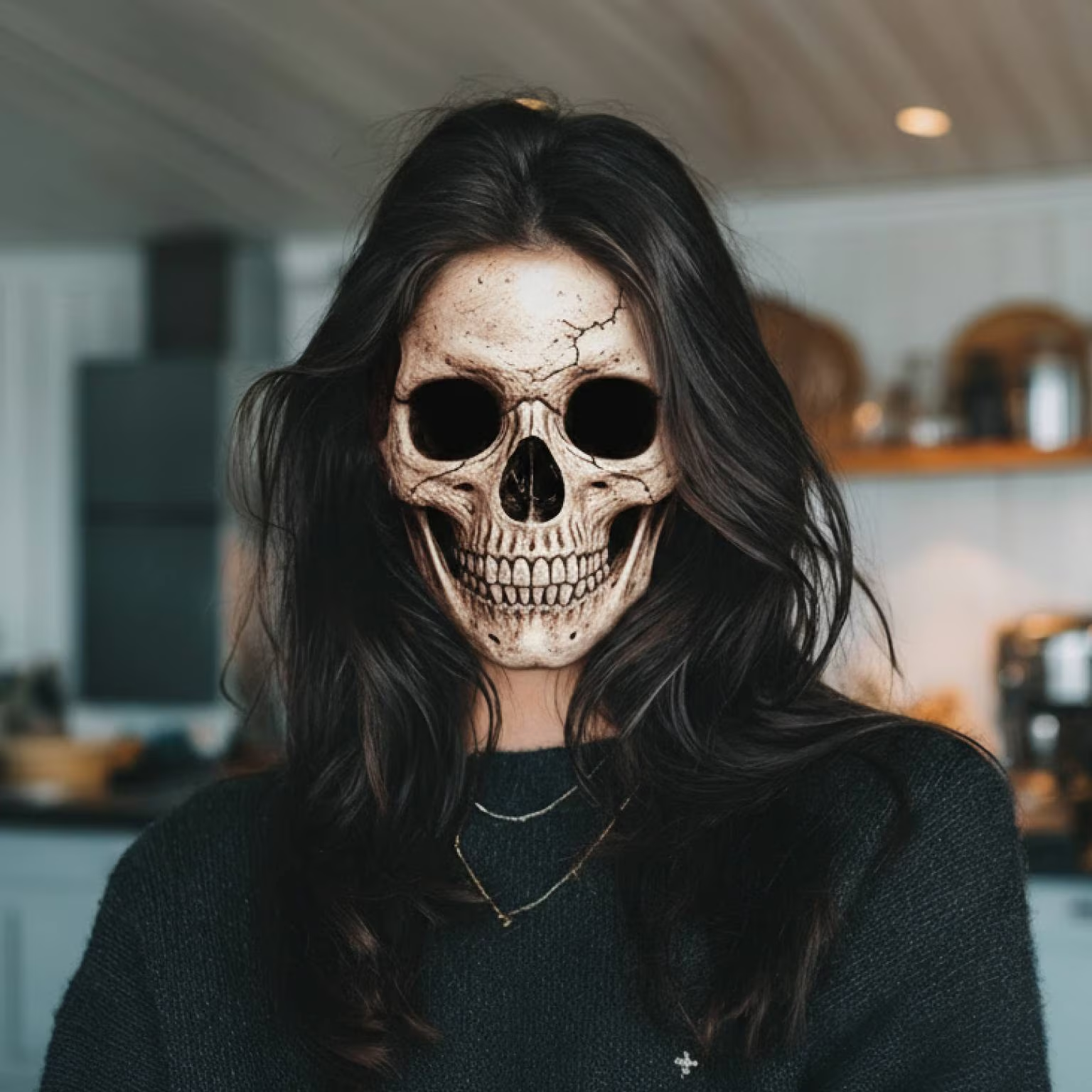
Skeleton Filter
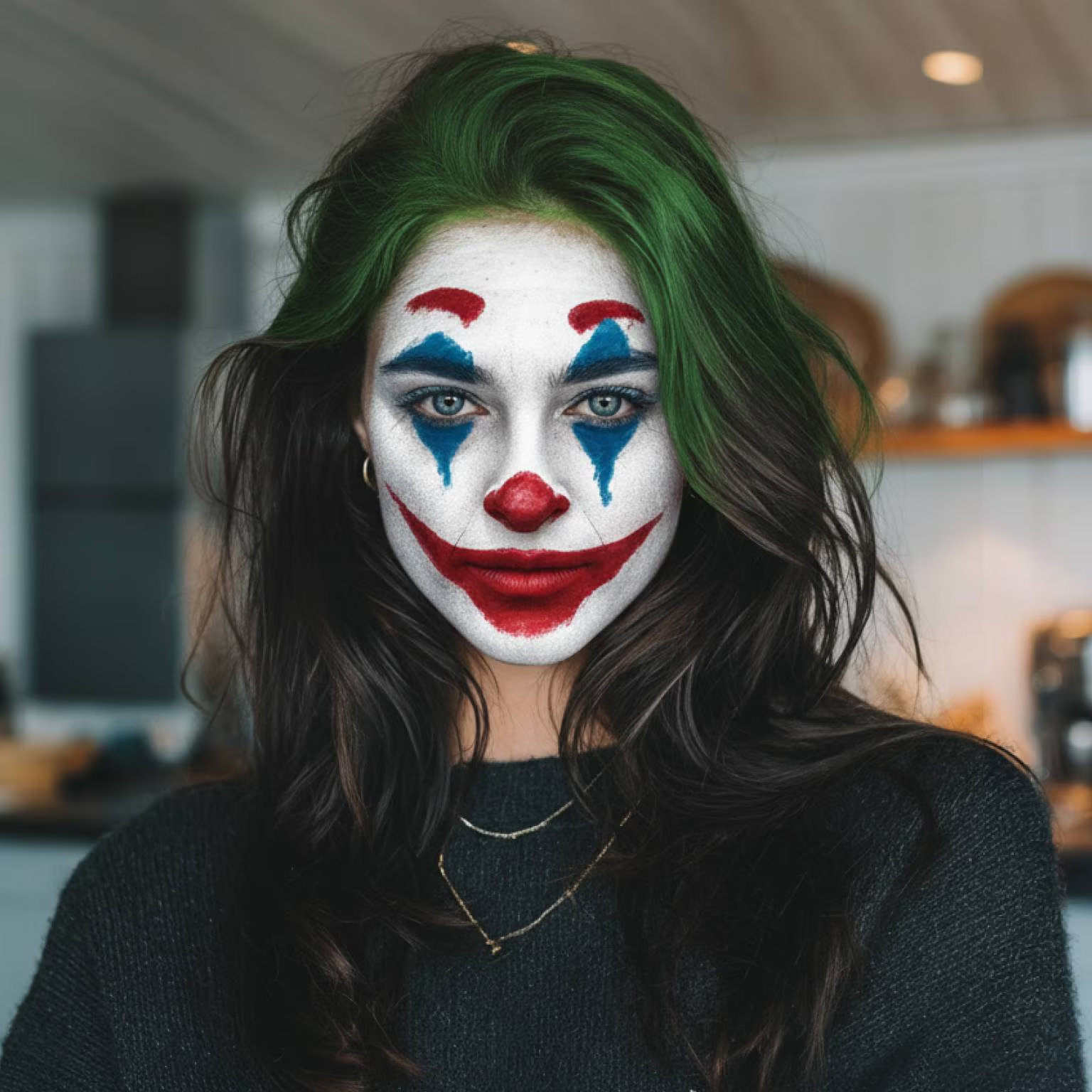
Joker Filter
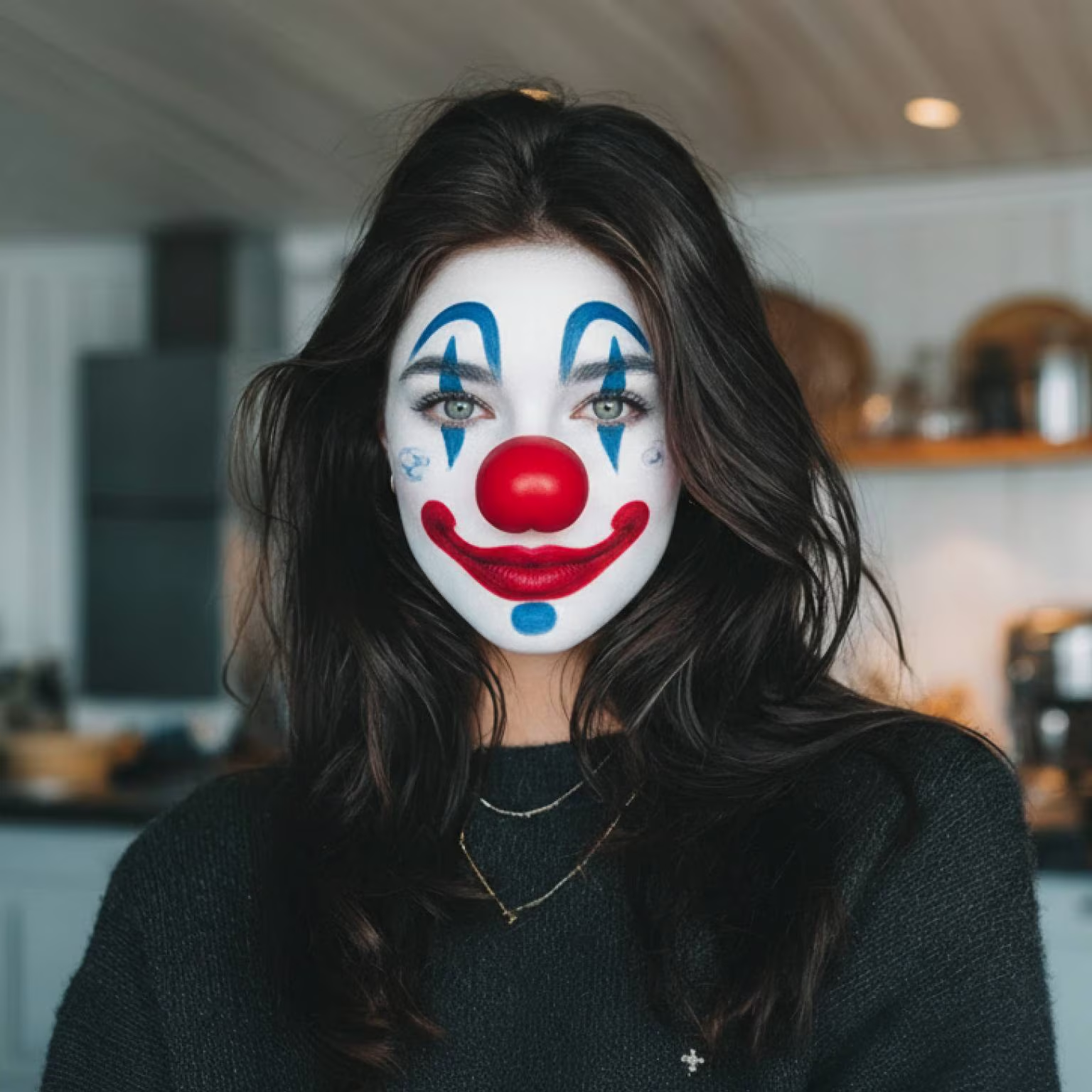
Clown Face Filter

Zombie Filter
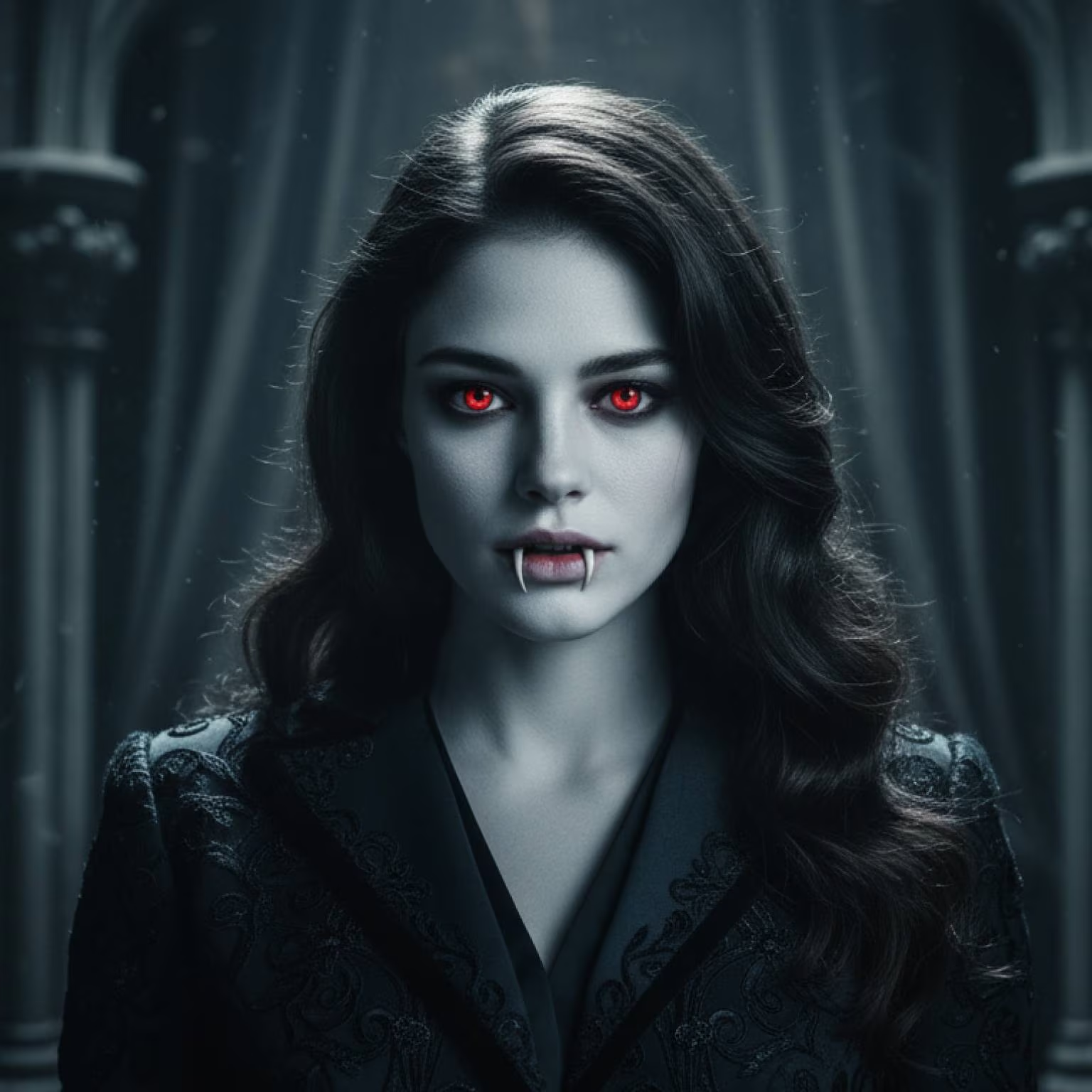
AI Vampire Filter

Beetlejuice Filter

Ghost Filter
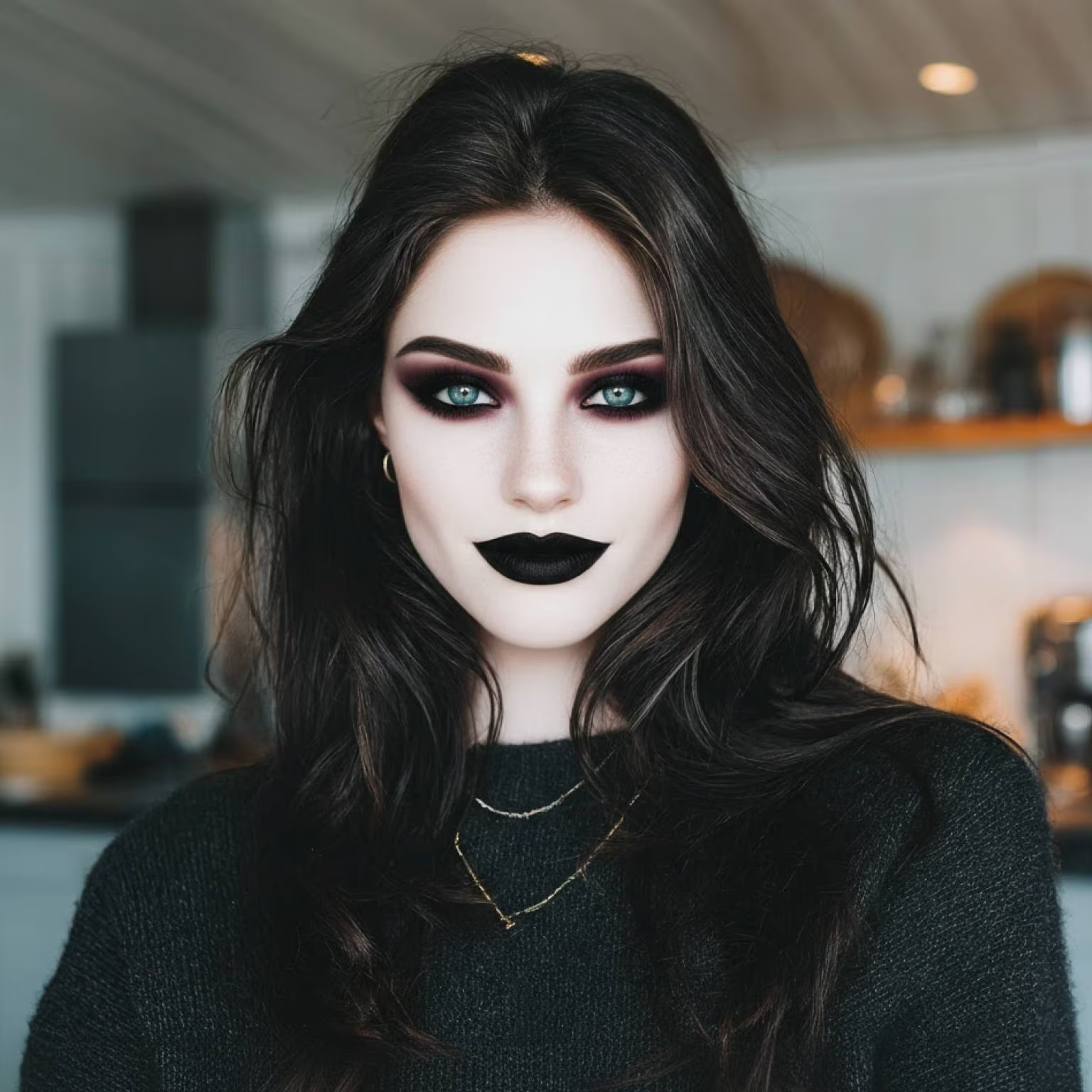
Gothic Filter
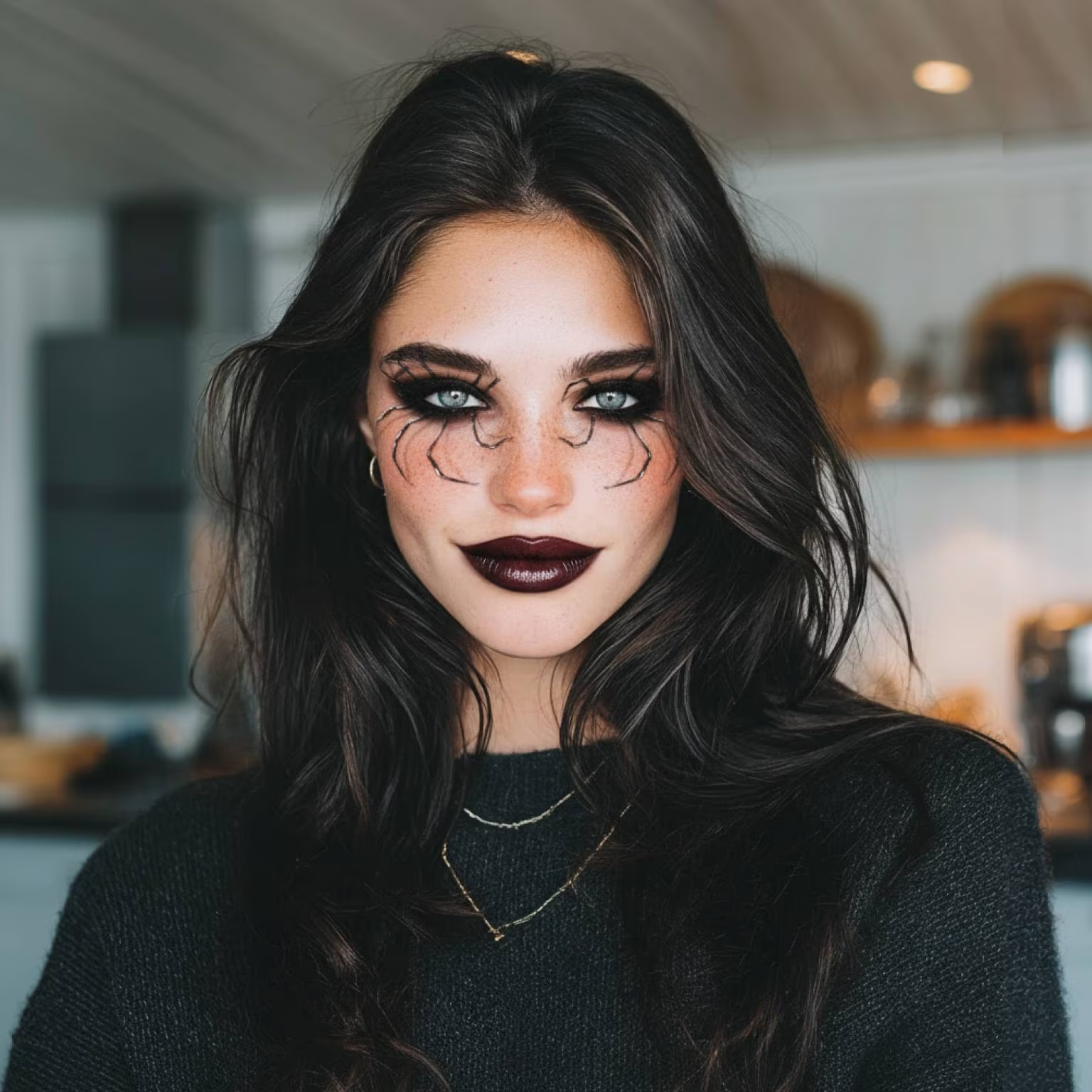
Black Widow Makeup
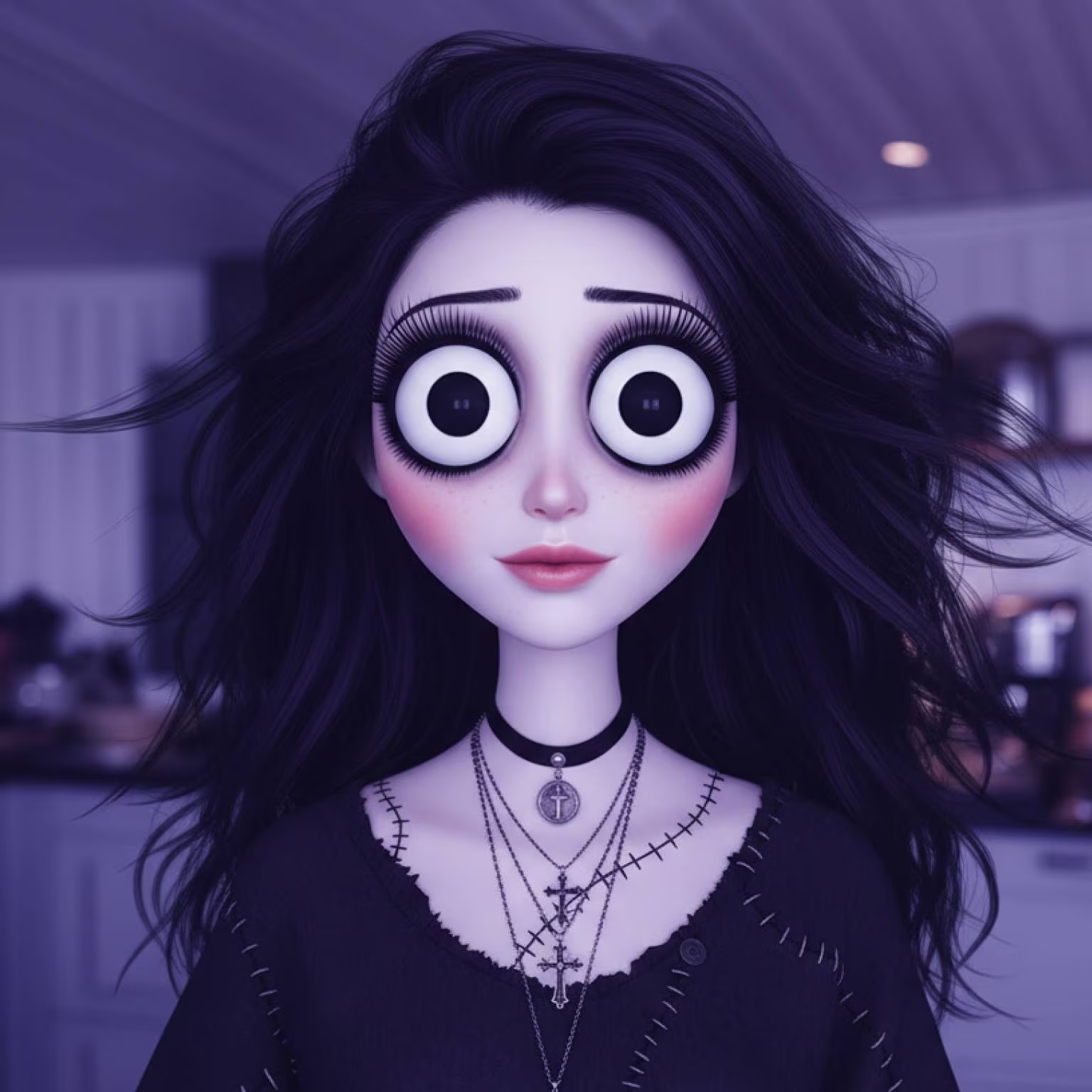
Tim Burton Filter
Free Halloween Filter AI by Photor.ai – Transform Your Photos with Spooky Magic
Unlock your Halloween look instantly with Photor.ai's free Halloween filter and AI-powered photo transformation tool!
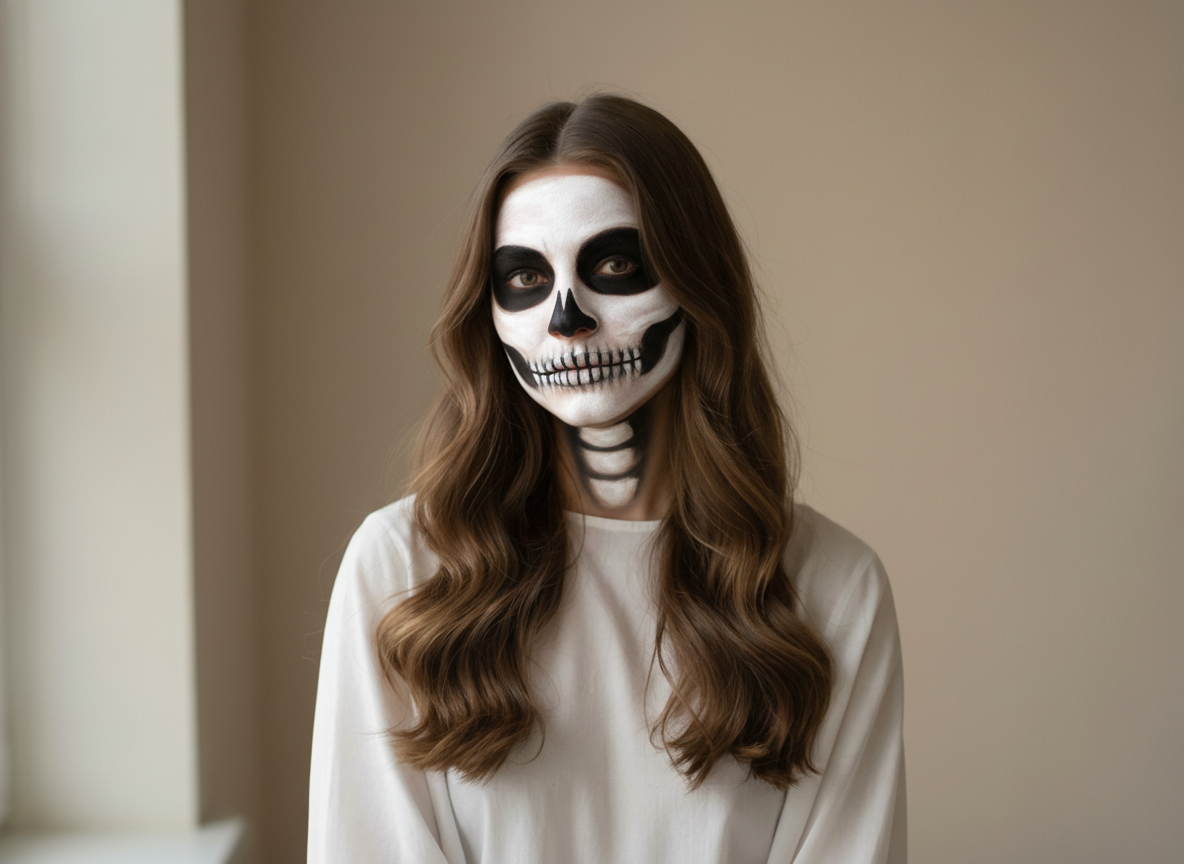
Advanced Halloween Filter Features
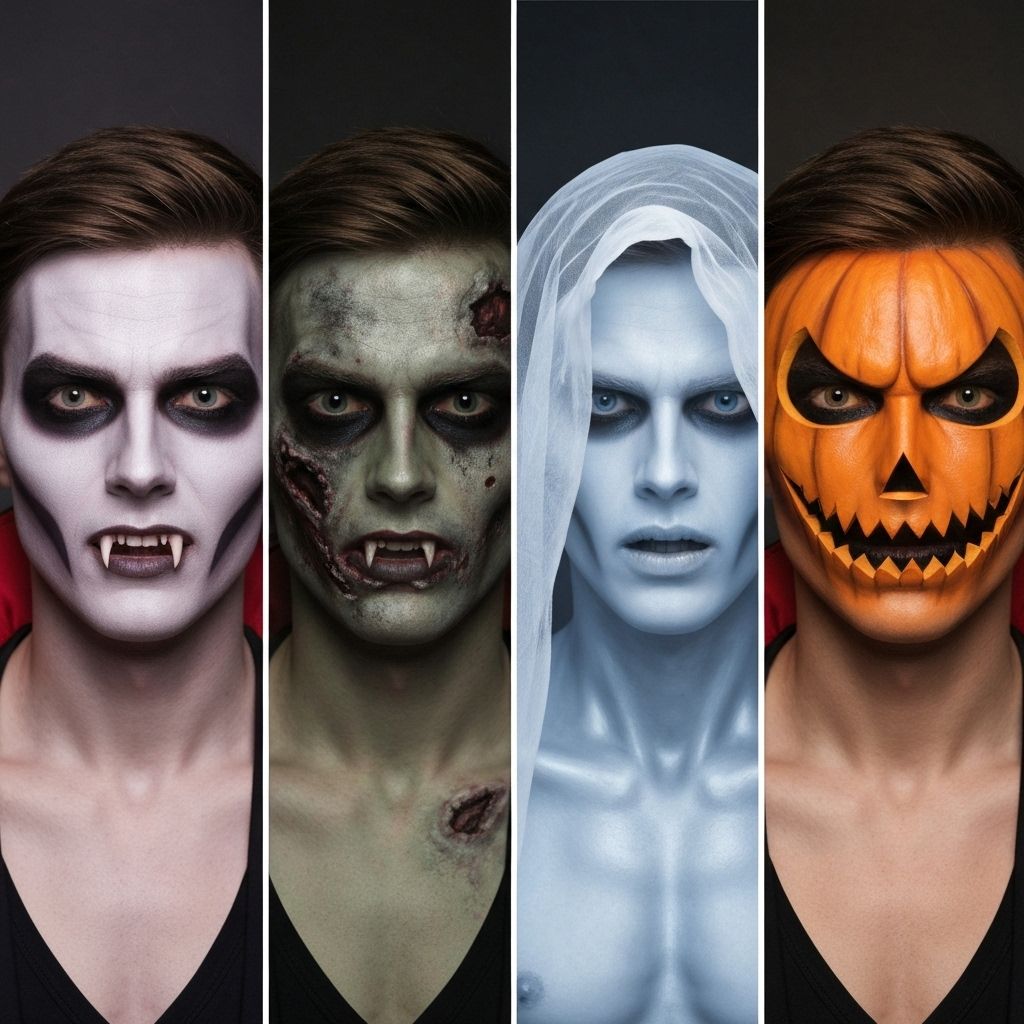
Spooky Character Library
Access an extensive collection of frightening personas including bloodthirsty vampires, decaying zombies, ethereal spirits, and jack-o-lantern designs. Our intelligent system adapts each horror character to your unique facial structure, ensuring authentic yet personalized scary results.
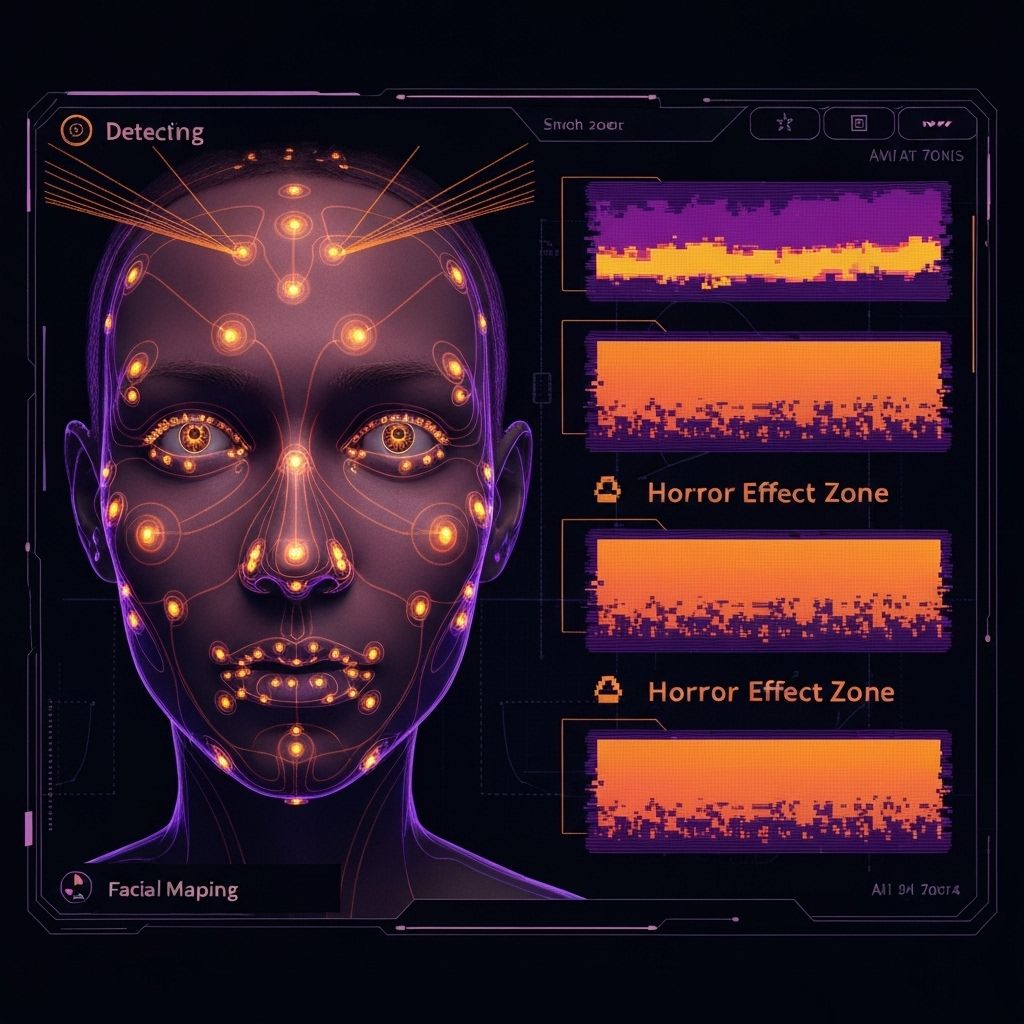
Smart Face Mapping
Our sophisticated neural networks identify and map every facial contour with surgical precision. The technology analyzes bone structure, skin texture, and lighting conditions to apply horror effects that look genuinely terrifying while maintaining photographic realism.
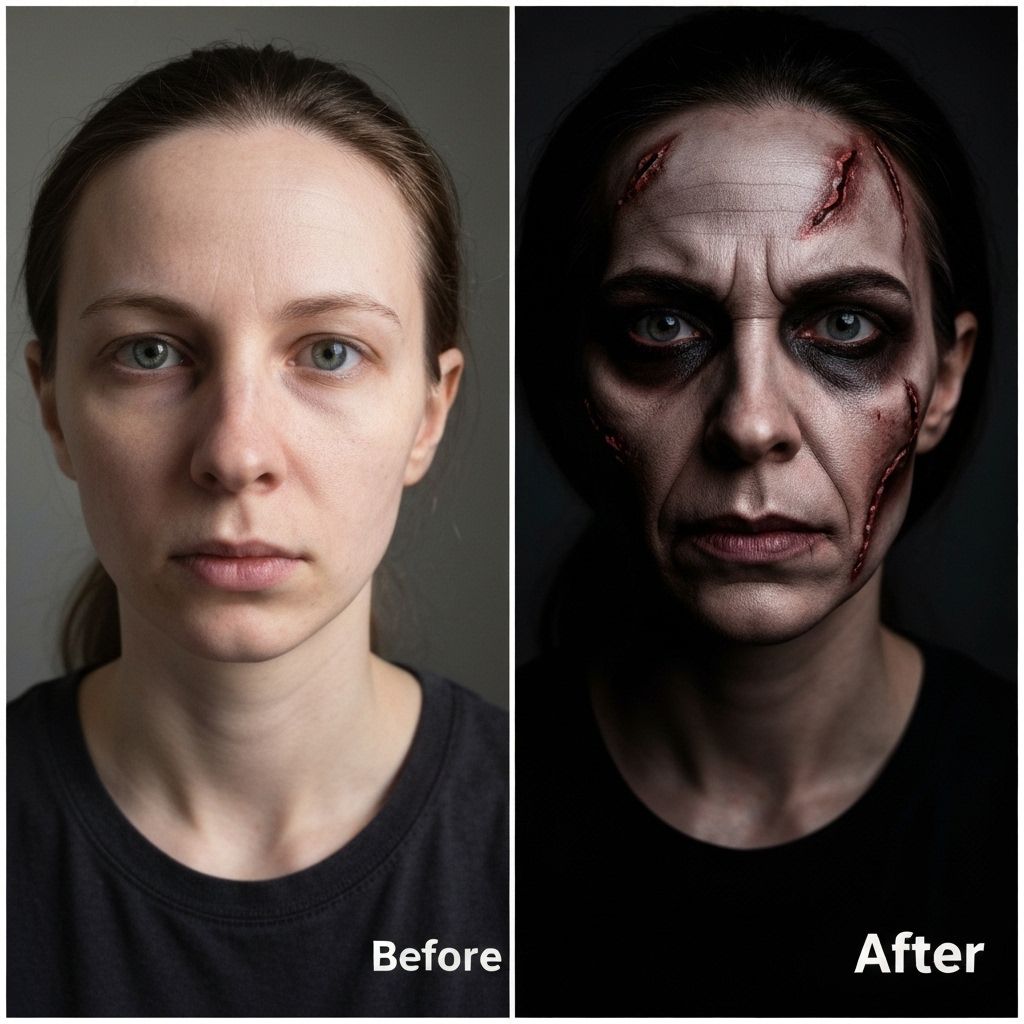
Professional Horror Effects
Generate movie-quality scary transformations that rival professional makeup artists. Our AI preserves skin detail, adjusts lighting dynamically, and maintains your core identity while creating genuinely frightening results worthy of the silver screen.
How to Create Your AI Halloween Photo with Photor.ai
Upload Your Photo
Visit Photor.ai and upload the photo you'd like to transform into a spooky Halloween masterpiece.
Apply the Halloween Filter
Customize through your prompt and let Photor.ai's AI Halloween filter work its magic.
Download and Share Your Creation
Once you're happy with your eerie creation, download the image or share it directly with friends via social media!
Why Choose Photor Halloween Filter
Instant Transformation
Get Halloween-ready in seconds with our advanced AI technology that requires no makeup or costumes.
Realistic Effects
Professional-quality Halloween transformations that look incredibly realistic and detailed.
Multiple Characters
Transform into vampires, witches, zombies, ghosts, and many other Halloween characters.
Easy to Use
Simple one-click interface that anyone can use, regardless of technical skills.
High Quality
Generate high-resolution Halloween photos perfect for printing or social media sharing.
Free to Use
Completely free Halloween filter with no hidden costs or subscription required.
Use Cases of Photor's Free Halloween Filter AI
Personalized Halloween Avatars
Users can upload their photos to instantly generate spooky Halloween avatars. Whether it's a zombie, vampire, or witch look, the AI applies realistic filters that match facial features and expressions. These avatars are perfect for social media profile pictures or festive messaging, allowing users to creatively celebrate Halloween with a fun, personalized twist.
Themed Content Creation for Influencers
Content creators and influencers can quickly generate themed visuals for Halloween campaigns. With just one photo, the AI transforms images into high-quality, stylized content perfect for Instagram, TikTok, or YouTube. This saves time on makeup and editing while delivering unique, engaging visuals that stand out during the competitive holiday season.
Virtual Costume Try-On
For those undecided about their Halloween costume, this tool provides a virtual try-on experience. Users can preview how they'd look in various spooky styles before committing to a look. It's a fun and interactive way to explore different costumes digitally, share options with friends, and make confident choices—all from the comfort of home.
Halloween-Themed Marketing Materials
Businesses can use the tool to create Halloween-themed promotional content. Staff photos can be filtered with Halloween effects to add personality to newsletters, websites, or ads. It's a simple, cost-effective way to embrace seasonal branding, boost engagement, and connect with audiences through playful and timely visual content.
Explore More AI Image Models
Try other popular image models with different styles, quality, and prompt-following strengths.
 NEW
NEWSeedream 5.0 Lite
ByteDance Seed multimodal lite with deep prompt understanding and flexible aspect controls.
 HOT
HOTNano Banana
Powerful character consistency and fast image generation for iterative creative workflows.
 NEW
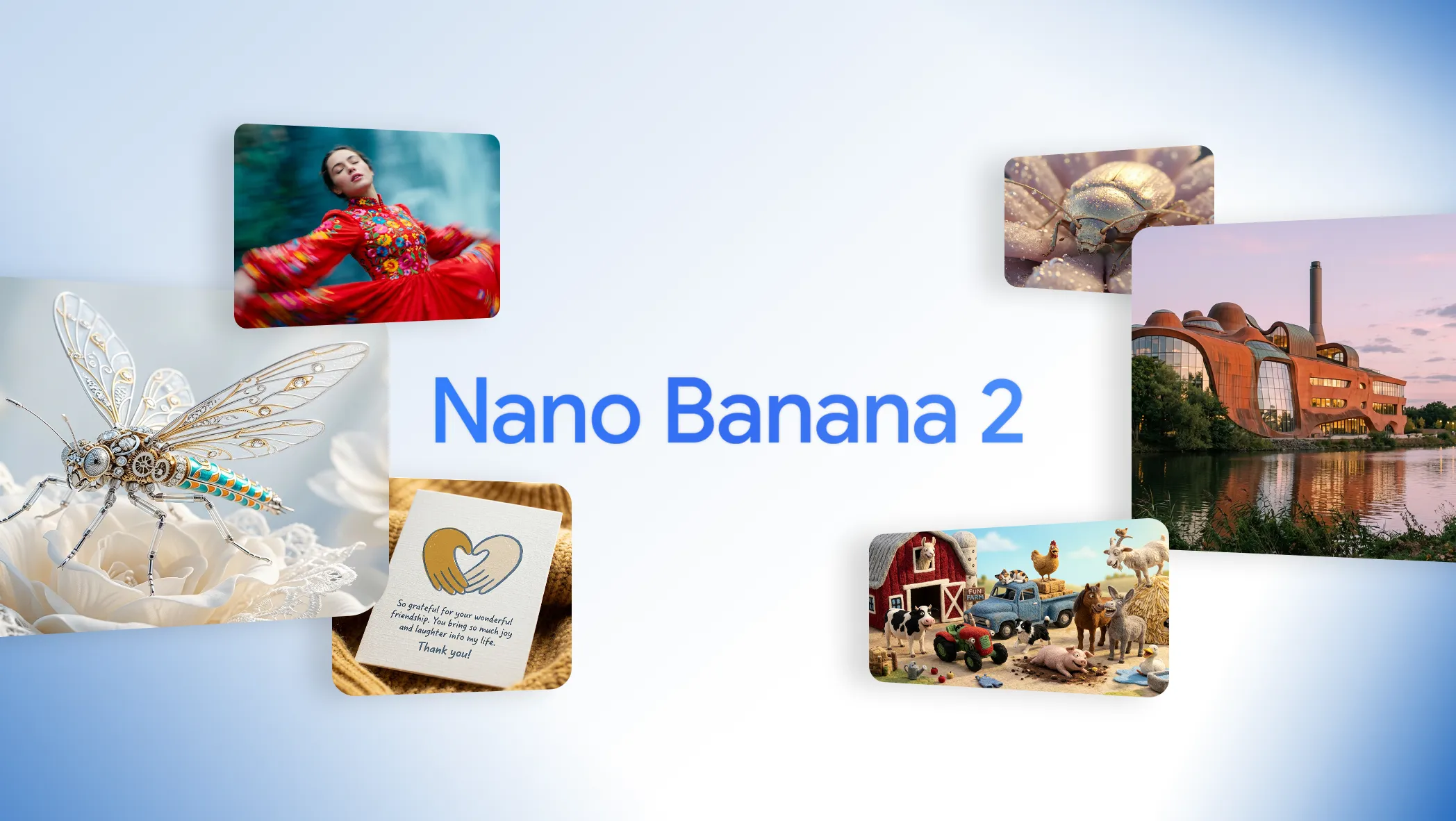
NEWNano Banana 2
Pro quality at flash speed with 1K to 4K output and stronger structure fidelity.
 HOT
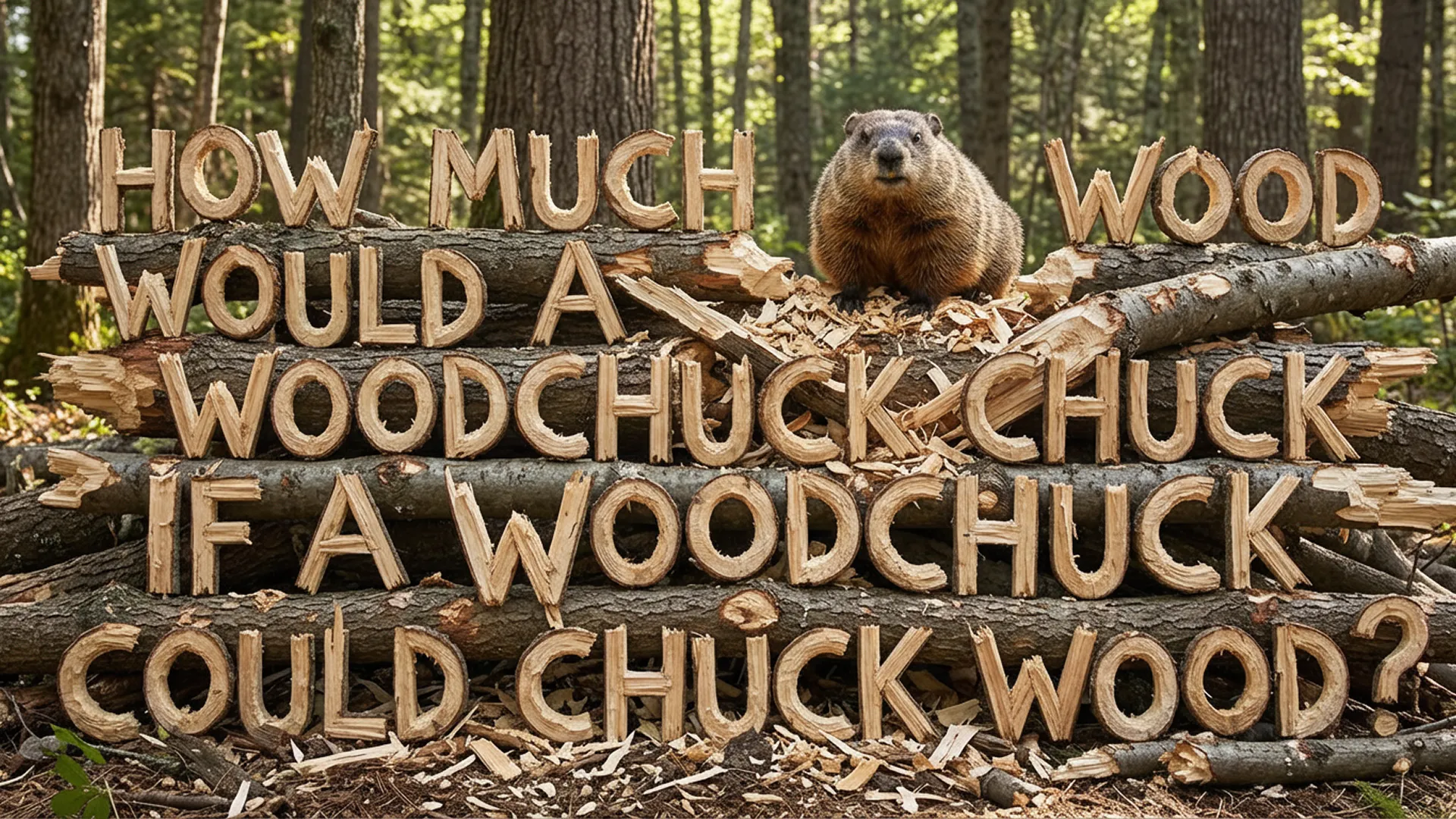
HOTNano Banana Pro
Stronger prompt-following with precise text rendering and higher detail control.