GPT Image 2 AI Image Generator
A new generation visual workflow model with planning, verification, multi-image consistency, and stronger real-world accuracy.

GPT Image 2 Core Breakthroughs
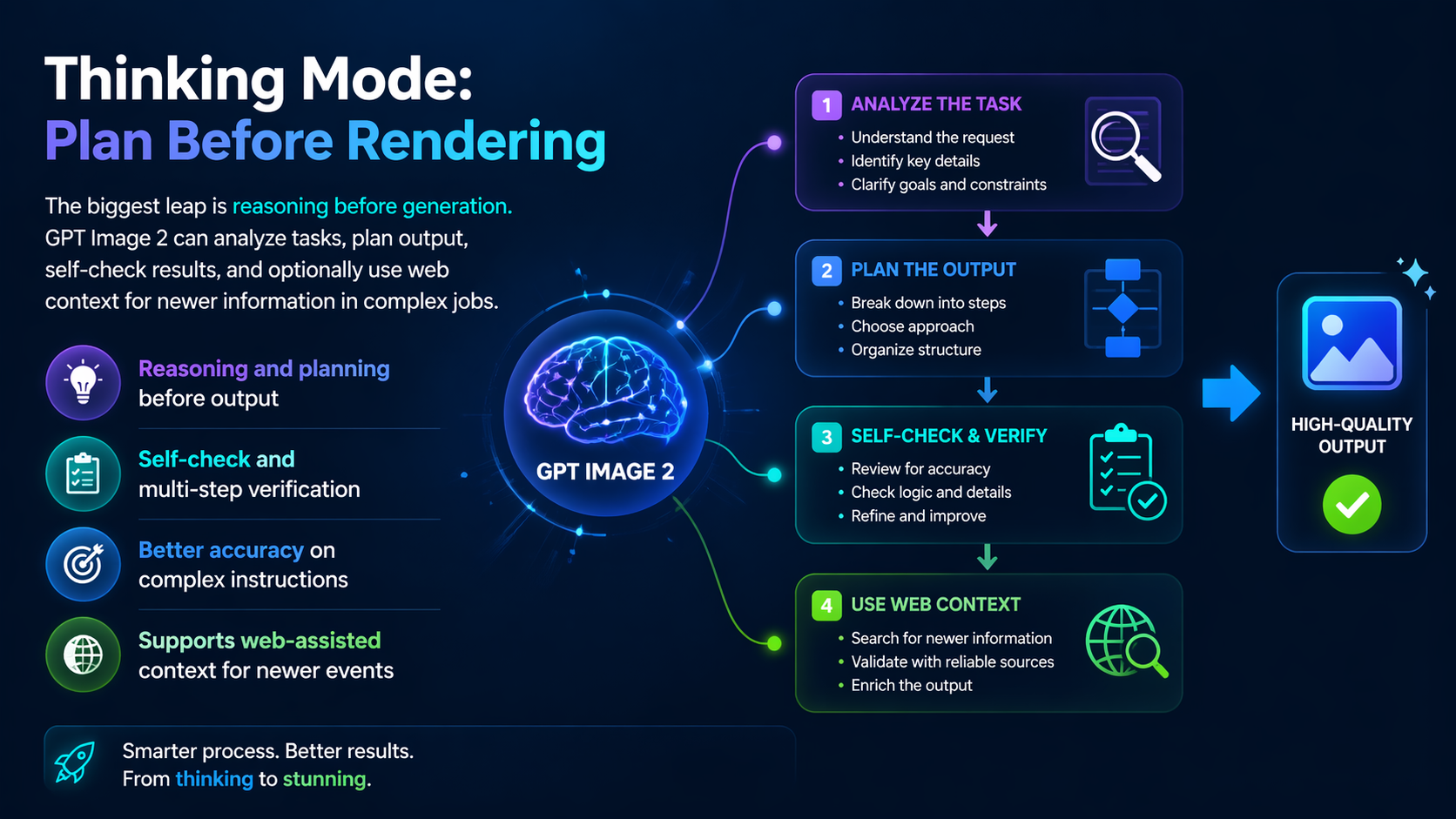
Thinking Mode: Plan Before Rendering
The biggest leap is reasoning before generation. GPT Image 2 can analyze tasks, plan output, self-check results, and optionally use web context for newer information in complex jobs.
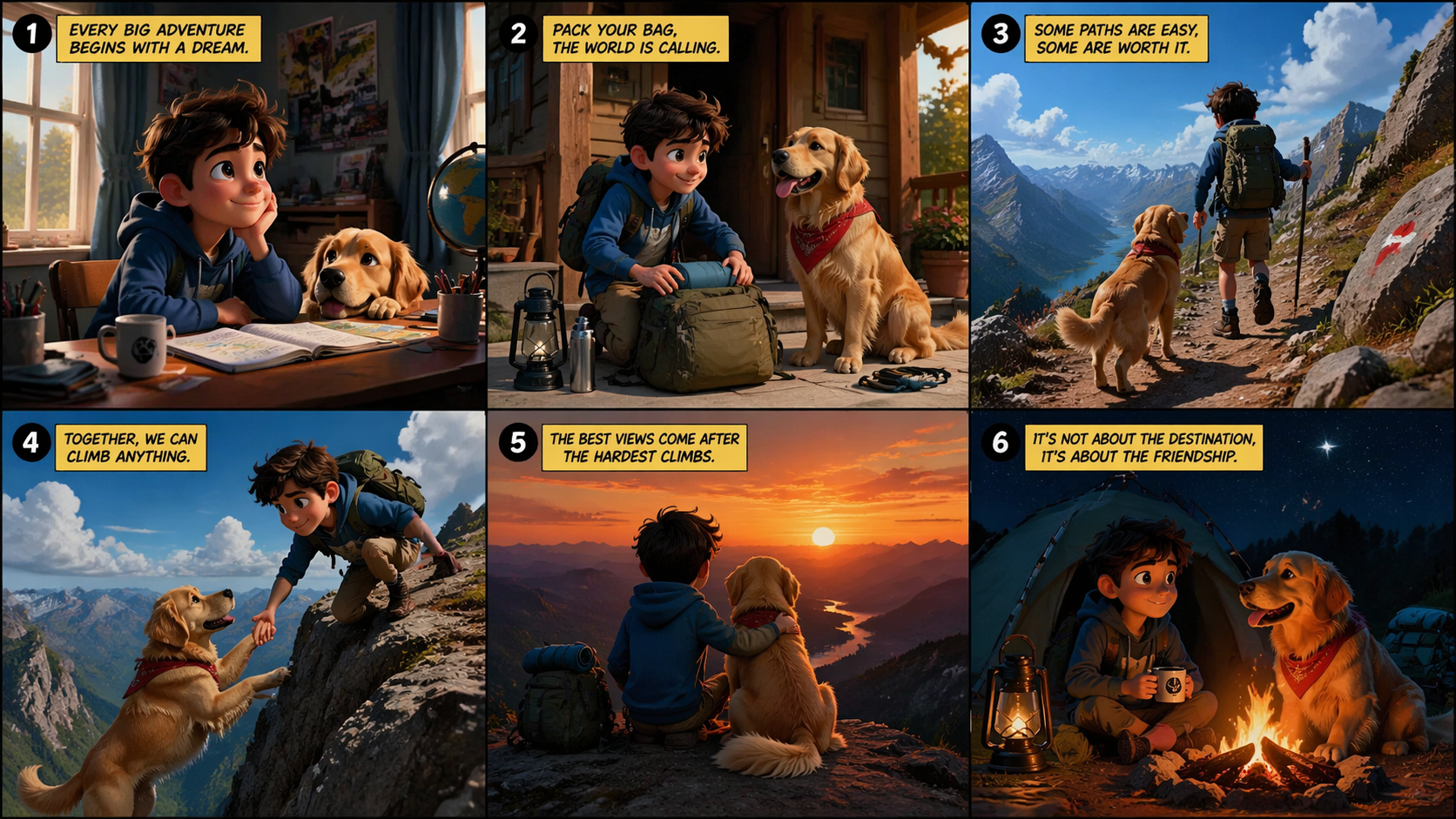
Up to 8 Coherent Images in One Request
Generate up to 8 related images with strong cross-image consistency in characters, objects, and style, ideal for comics, storyboards, and poster series.
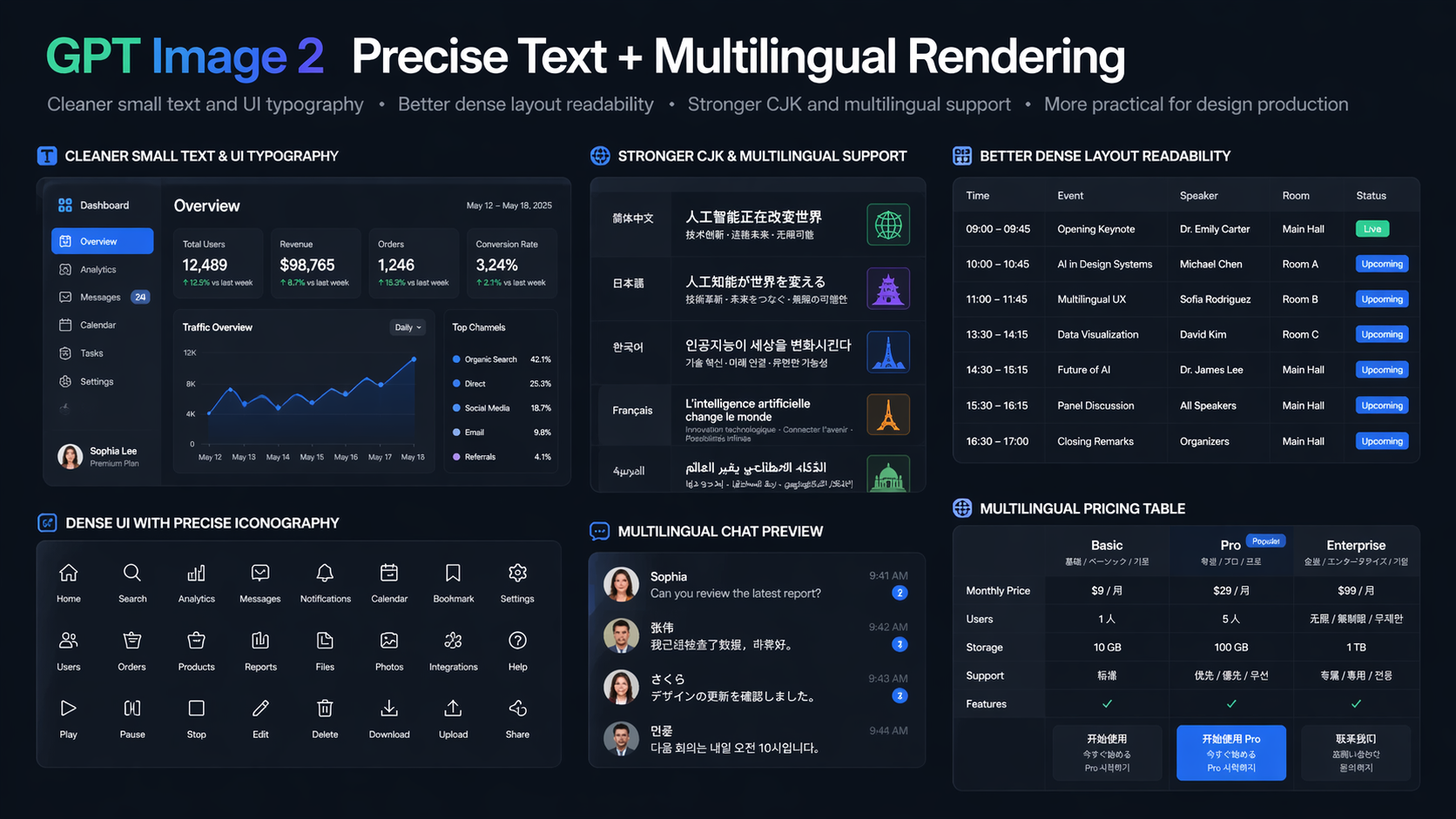
Precise Text + Multilingual Rendering
GPT Image 2 significantly improves text rendering for small labels, UI elements, iconography, and dense layouts, with stronger support for non-Latin scripts like Chinese, Japanese, and Korean.
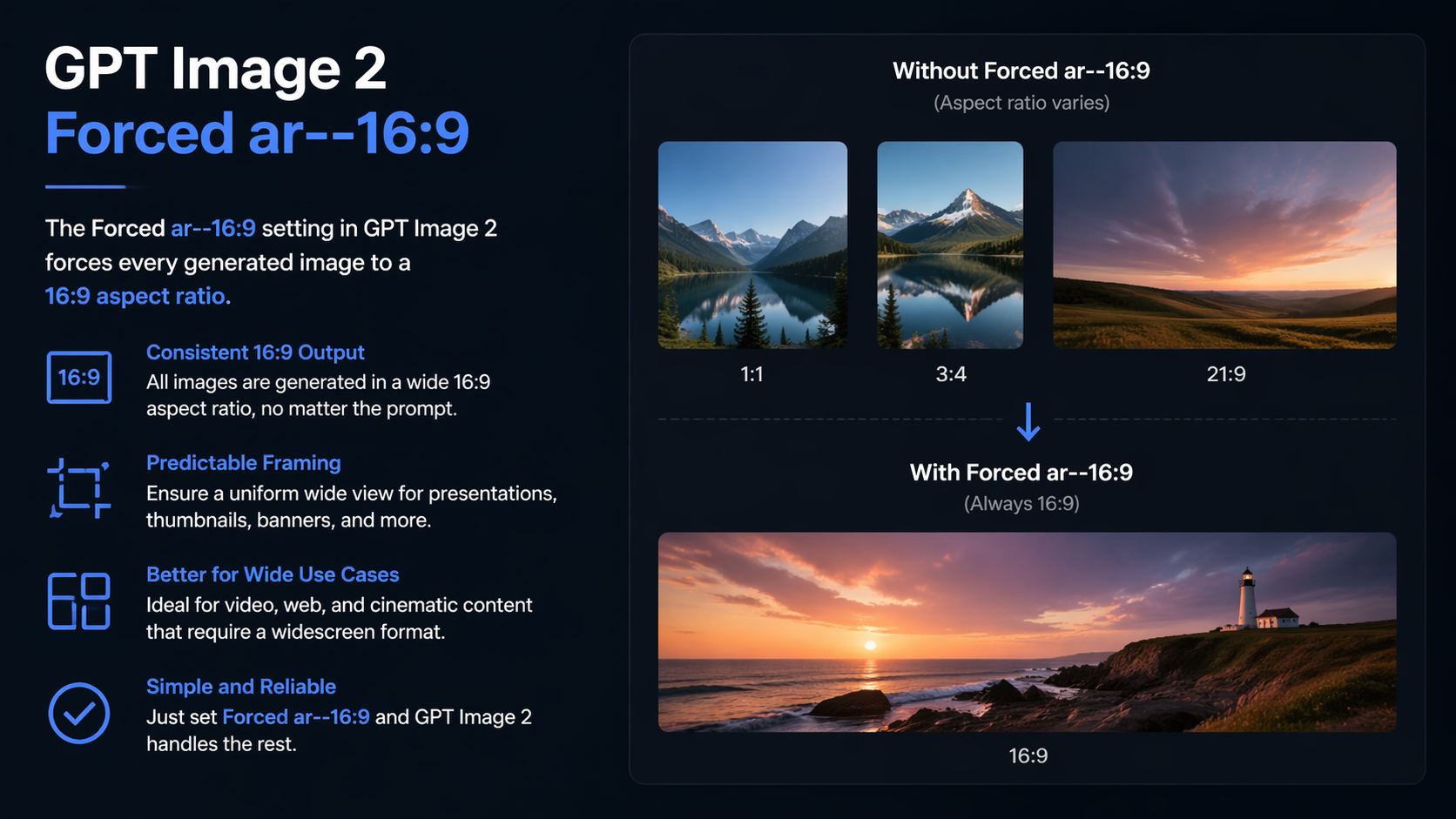
Flexible Aspect Ratios + Up to 2K
Supports wide ratio ranges from ultra-wide to ultra-tall formats for banners, posters, and mobile creatives, with API output up to 2K for higher-end design and print workflows.
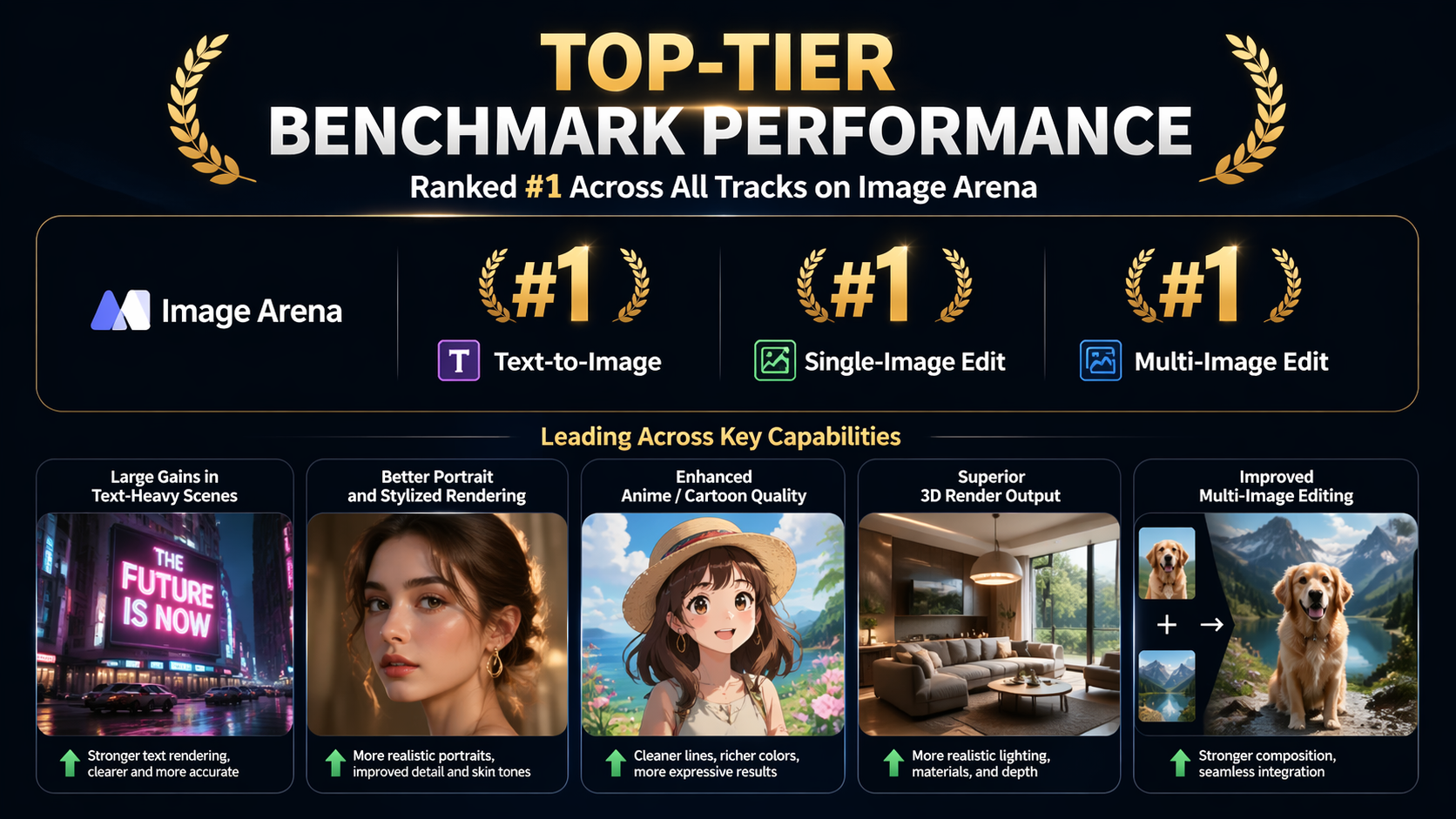
Top-Tier Benchmark Performance
Reported as rank #1 across text-to-image, single-image edit, and multi-image edit tracks on Image Arena, with major gains in portrait, anime/cartoon, 3D render, and text-heavy output quality.
How to Get Better Results
Use Structured Prompt Order
Follow: subject -> subject details -> action/space -> scene -> lighting -> camera -> style -> constraints. Earlier parts carry stronger weight.
Be Concrete, Not Flattering
Avoid vague words like epic or stunning. Use specific visual cues: material, lighting type, lens, focal length, depth, and color direction.
Control Text and Background Explicitly
Put required text in quotes and specify font and position. Define background color/texture or depth-of-field blur to avoid clutter.
Edit in Iterative Single Variables
When editing images, state what to preserve first, then what to change. Modify one variable per round for more stable outcomes.
Why GPT Image 2 Matters
Thinking + Instant Modes
Instant mode for speed; Thinking mode for complex, high-precision visual tasks with reasoning and checking.
Workflow Upgrade
Moves from single-shot creativity to usable, production-oriented visual workflow output.
Text-Heavy Design Ready
Better practical quality for posters, UI blocks, labels, and multilingual brand layouts.
Contextual Awareness
Thinking mode can leverage newer context when needed, improving relevance for time-sensitive tasks.
Stronger Multi-Image Control
Keeps identity and style more stable across multi-image generation and editing runs.
Professional Output Direction
Supports higher-end aspect and resolution targets that better match real design delivery needs.
Best-Fit Use Cases
Complex Visual Planning
Use Thinking mode for tasks requiring reasoning, validation, and structured execution.
Storyboards & Comics
Generate coherent multi-image sequences with more stable character and style continuity.
Text-Heavy Design
Create posters, menus, UIs, and infographics where text legibility is critical.
Multilingual Content
Improve CJK and non-Latin rendering quality for localized ad and brand material.
Cross-Platform Assets
Use flexible aspect ranges for horizontal banners, posters, and vertical mobile creative.
Higher-End Output
Use up to 2K API output for more demanding design and print-adjacent workflows.
Iterative Image Editing
Apply preserve-first, single-variable editing loops for cleaner, controlled revisions.
Production Team Workflows
Balance speed and quality by switching between Instant and Thinking modes by task complexity.
Explore More AI Image Models
Try other popular image models with different styles, quality, and prompt-following strengths.
 NEW
NEWSeedream 5.0 Lite
ByteDance Seed multimodal lite with deep prompt understanding and flexible aspect controls.
 HOT
HOTNano Banana
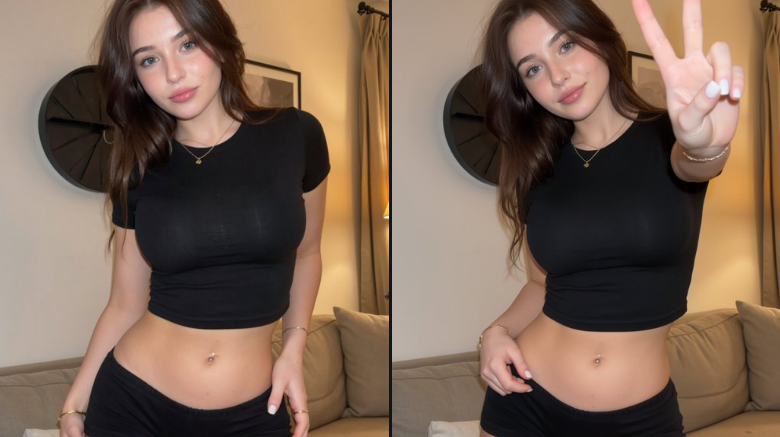
Powerful character consistency and fast image generation for iterative creative workflows.
 HOT
HOTNano Banana Pro
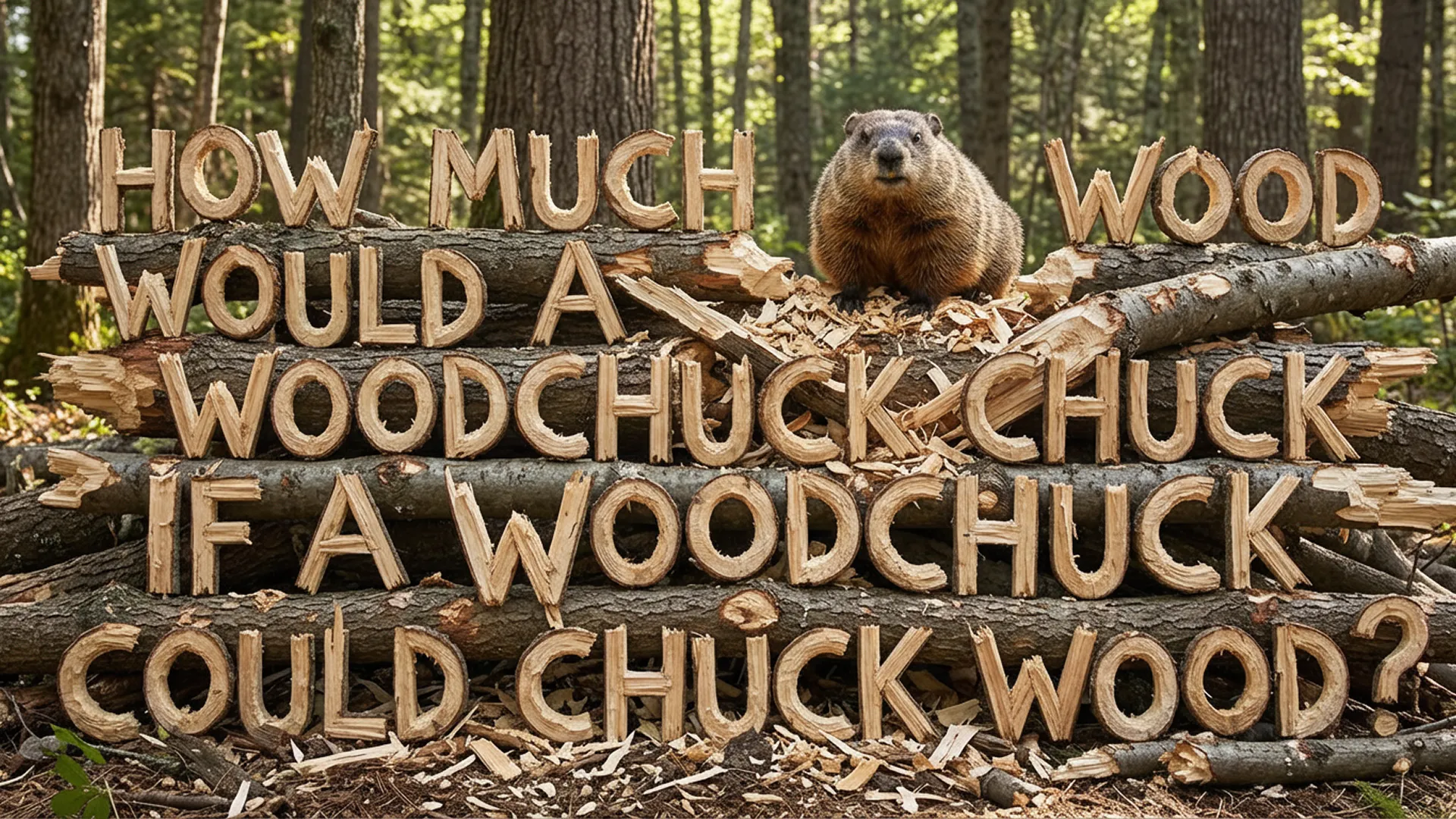
Stronger prompt-following with precise text rendering and higher detail control.
 NEW
NEWNano Banana 2
Pro quality at flash speed with 1K to 4K output and stronger structure fidelity.