Upload two people or character references and generate the Hotel Lobby AI performance effect.
Use one clear image for each subject. Front-facing, well-lit references work best.
Hotel Lobby AI Video Generator
Upload two reference photos and turn them into a stylized orange-booth duet inspired by the viral Hotel Lobby AI video trend.
What Hotel Lobby AI Creates
Two Photos Become a Duet
Hotel Lobby AI usually means the viral orange studio format: two subjects stand around one hanging microphone and trade performance energy in the same frame. Upload one clear reference for each person or character.
Recognizable Orange-Booth Look
The effect follows the visual grammar people associate with the Hotel Lobby AI trend: a warm monochrome booth, a centered mic, and alternating lead-and-reaction movement.
Control Duration and Detail
Choose the clip length and output resolution that match your use case. Draft fast at lower resolution, then create a sharper final pass when the references look right.
How to Make a Hotel Lobby AI Video
Upload Two References
Use one clear image per subject. Separate photos help the model avoid blending faces, outfits, or body positions.
Choose Output Settings
Select 5, 10, 15, or 30 seconds, then choose 480P, 720P, or 1080P depending on whether you are drafting or making a final clip.
Generate and Download
Create the motion-transfer task, watch progress in the preview panel, then download the finished video when it is ready.
Why Use Photor for Hotel Lobby AI
Built for the Trend
The page is focused on the two-reference Hotel Lobby AI workflow, so the controls stay simple and fast.
Two-Subject Control
Separate uploads make it easier to keep each person or character distinct in the final duet.
Flexible Length
Generate quick 5-second previews or longer 30-second versions for social edits and remix workflows.
1080P Ready
Use 1080P when faces, clothing, and small performance details matter most.
Hotel Lobby AI Use Cases
Friend Duets
Turn two selfies into a playful performance clip for social posts, group chats, and remix edits.
Creator Memes
Place creators, streamers, or fictional characters into the recognizable orange-booth trend format.
Couple Videos
Create a quick two-person duet-style video from separate portrait references.
Character Swaps
Test stylized characters, avatars, or campaign personas inside a fixed motion-transfer template.
Explore More AI Video Models
Try broader text-to-video and image-to-video models when you need custom prompts, camera control, or open-ended scenes.
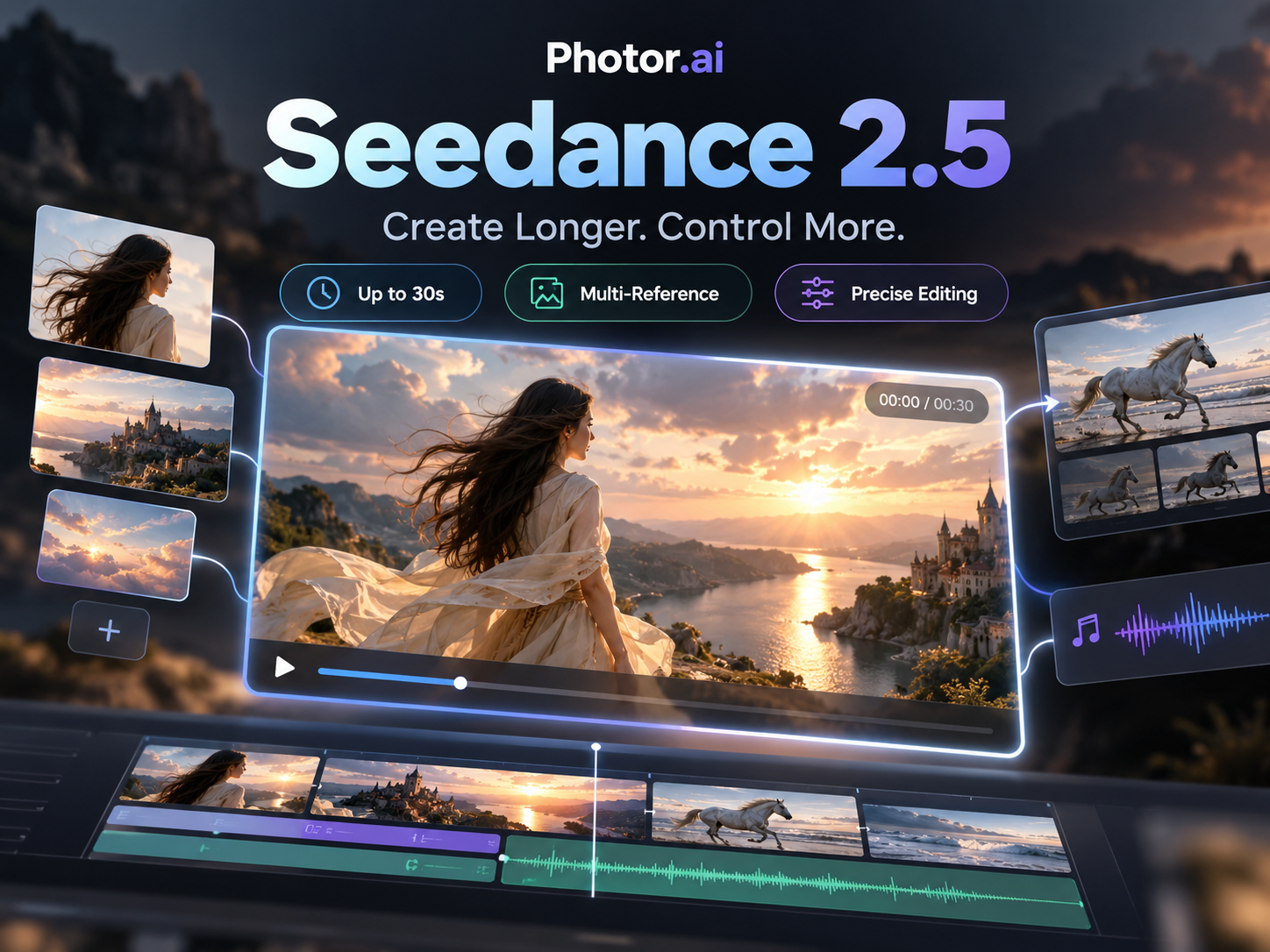 NEW
NEWSeedance 2.5
ByteDance audio-video generation with references, 1080p output, adaptive ratios, and up to 30s clips.
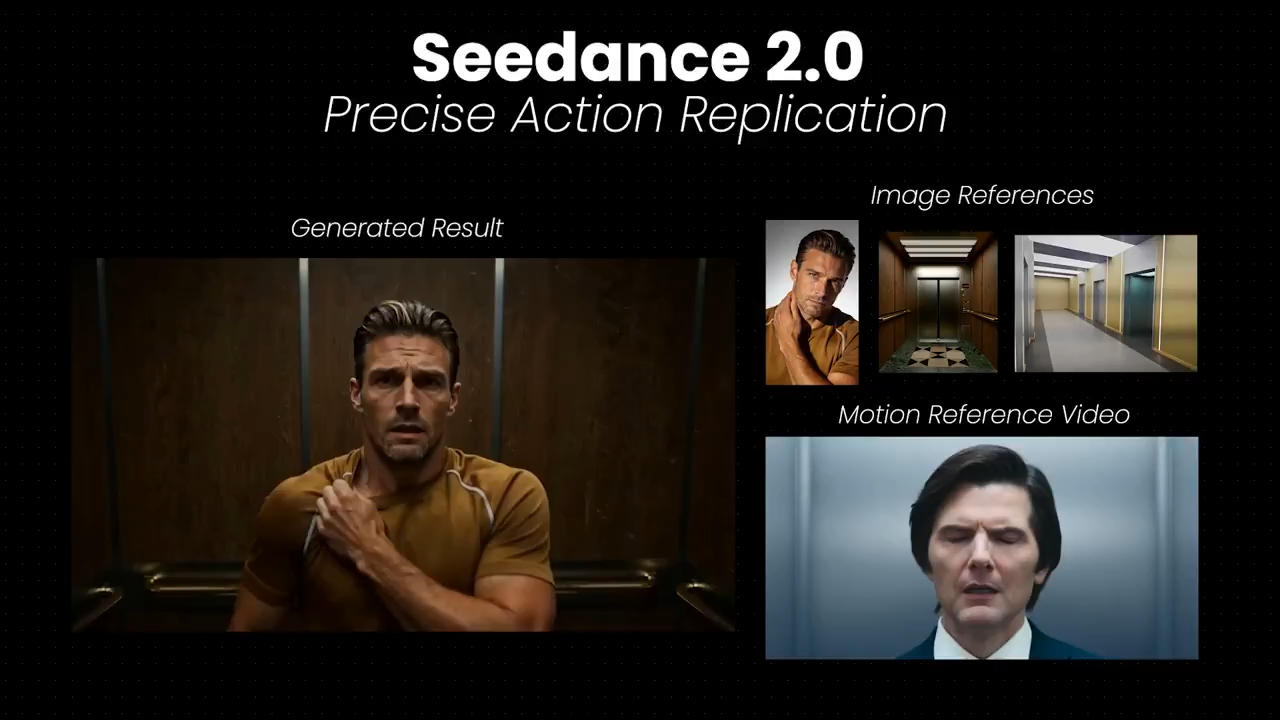
Seedance 2.0
ByteDance multimodal video with strong motion control, temporal consistency, and optional synced audio.
 HOT
HOTGrok Imagine
xAI video model for expressive motion, stylized scenes, and vivid cinematic storytelling.
 NEW
NEWKling 3.0
Kling 3.0 supports dynamic camera motion, flexible duration, and high-fidelity cinematic outputs.