Use one mode per task: text, first/last frames, or multimodal references.
5–30 seconds
Seedance 2.5 AI Video Generator
ByteDance's newer audio-video model for longer clips, richer references, stronger editing control, and production-ready video generation
What Seedance 2.5 Delivers
Audio-Video Generation
Seedance 2.5 is designed for video that feels complete, not silent by default. Generate motion with optional synced audio for dialogue-style scenes, music-driven edits, ambience, and branded short-form content.
Up to 30 Seconds
Create longer video ideas in one generation. Photor's Seedance 2.5 workflow supports 5 to 30 second clips, helping ads, explainers, story beats, and cinematic previews feel less rushed.
Smarter Reference Control
Use image, video, or audio references to guide look, motion, structure, timing, or sound. Seedance 2.5 is especially useful when pure text is not enough to preserve style, camera behavior, or scene rhythm.
1080p and Adaptive Layouts
Seedance 2.5 on Photor supports 480p, 720p, and 1080p with flexible aspect ratios, including adaptive output when you want the model to preserve the best framing from your prompt and references.
How to Use Seedance 2.5
Choose One Input Mode
Start with text-to-video, first and last frames, or Reference to video. These Seedance 2.5 scenarios are mutually exclusive, so use one mode per generation.
Set Output
Pick 5-30 seconds, aspect ratio, 480p, 720p, or 1080p, MP4 or MOV, then decide whether to generate audio, return the last frame, or use web search.
Generate Video
Submit your prompt, track progress on the page, preview the result, and download the final video when generation completes.
Why Choose Seedance 2.5
Newer ByteDance Model
Seedance 2.5 builds on ByteDance's Seed video stack with stronger long-form, reference, and audio-video generation workflows.
Reference-to-Video Ready
Guide the model with images, video references, and audio references when prompt-only generation cannot capture the right look or timing.
Longer Story Space
Thirty-second generation makes the model more useful for campaign clips, cinematic teasers, short explainers, and multi-action scenes.
Audio-Aware Clips
Generate video with sound when you need a more complete social post, concept trailer, ad mockup, or music-led creative test.
1080p Output
Use 1080p when visual detail matters, or lower resolutions when you want cheaper, faster iteration before the final pass.
Conversion-Focused Workflow
Create product videos, social assets, and ad concepts without moving between separate editing and generation tools.
Seedance 2.5 Use Cases
Paid Social Ads
Create 9:16, 1:1, or 16:9 clips with motion, product context, and optional audio for ad testing.
Product Videos
Turn stills, frame direction, and prompts into richer product motion for landing pages and ecommerce.
Music & Voice
Use audio references and generated sound for rhythm-led edits, lip-sync style ideas, and voice-driven scenes.
Story Previz
Prototype longer scenes with first and last frames, references, and prompt-level camera direction.
Explore More AI Video Models
Discover top AI video models for cinematic motion, visual fidelity, and stronger prompt control.
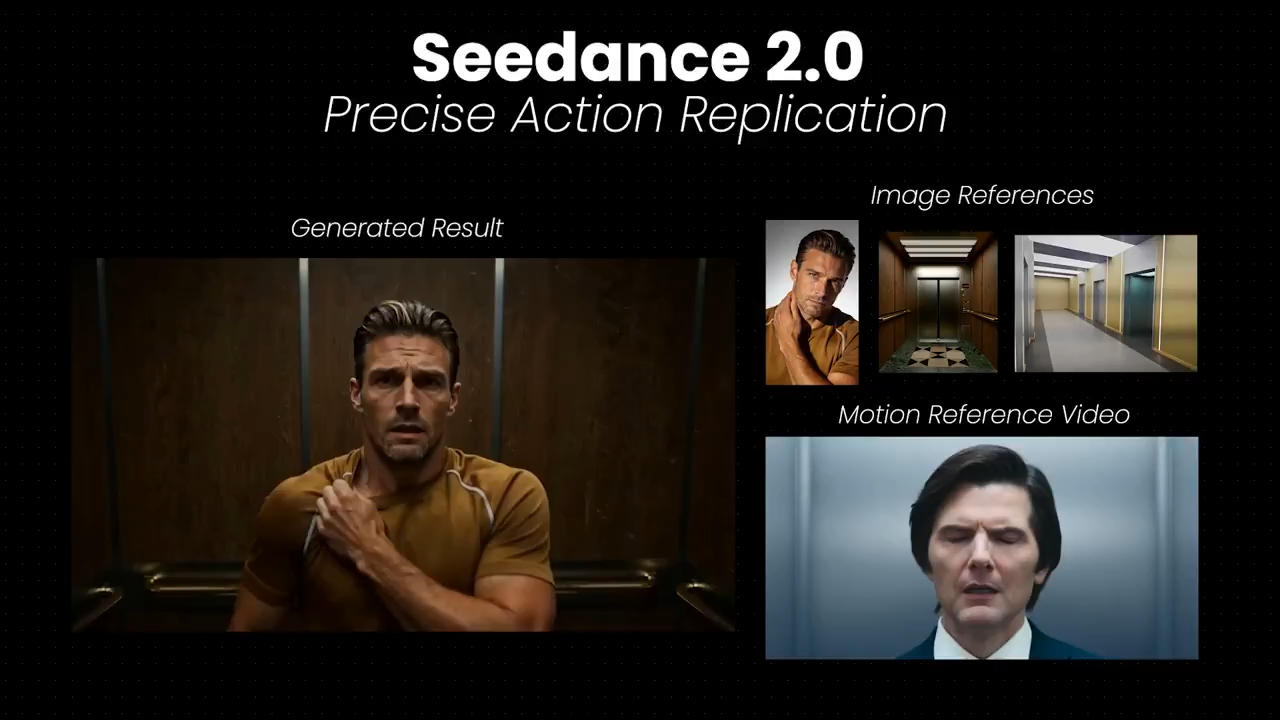
Seedance 2.0
ByteDance multimodal video with strong motion control, temporal consistency, and optional synced audio.
 HOT
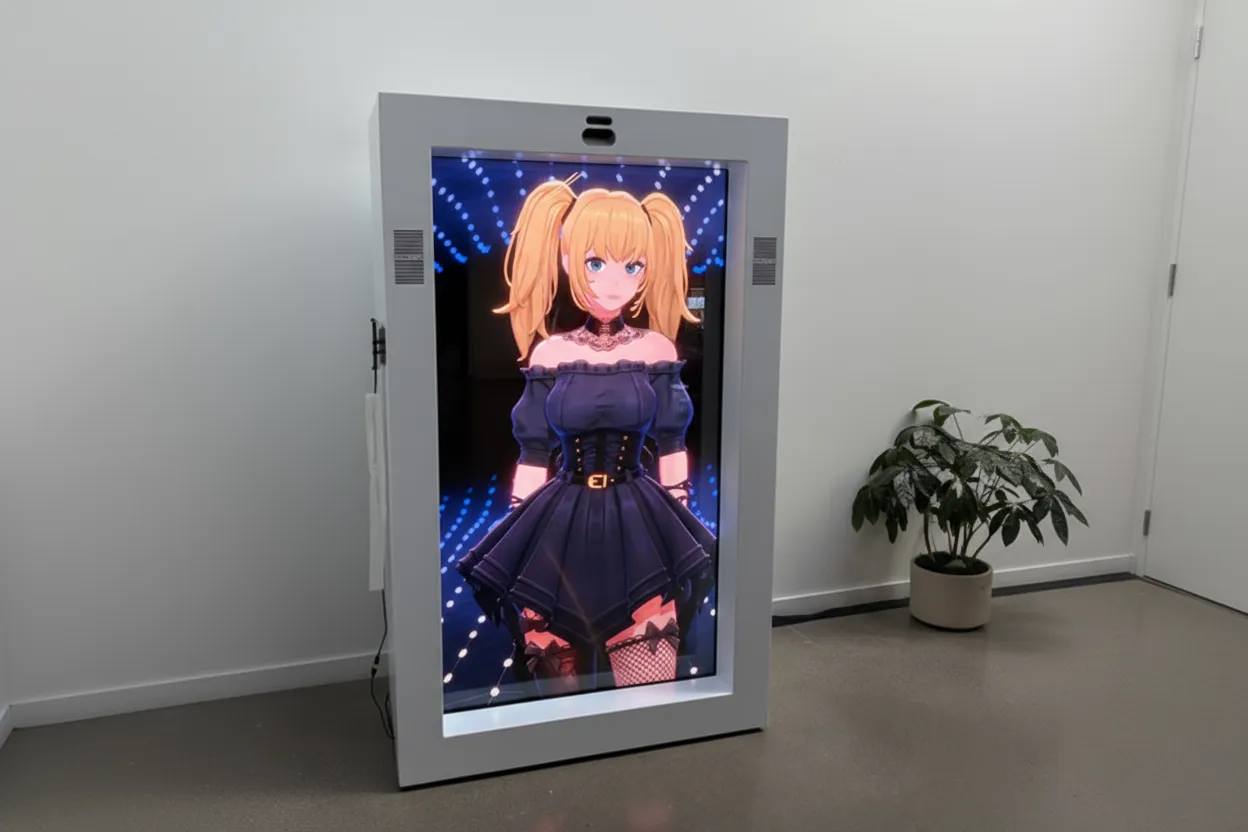
HOTGrok Imagine
xAI video model for expressive motion, stylized scenes, and vivid cinematic storytelling.
 NEW
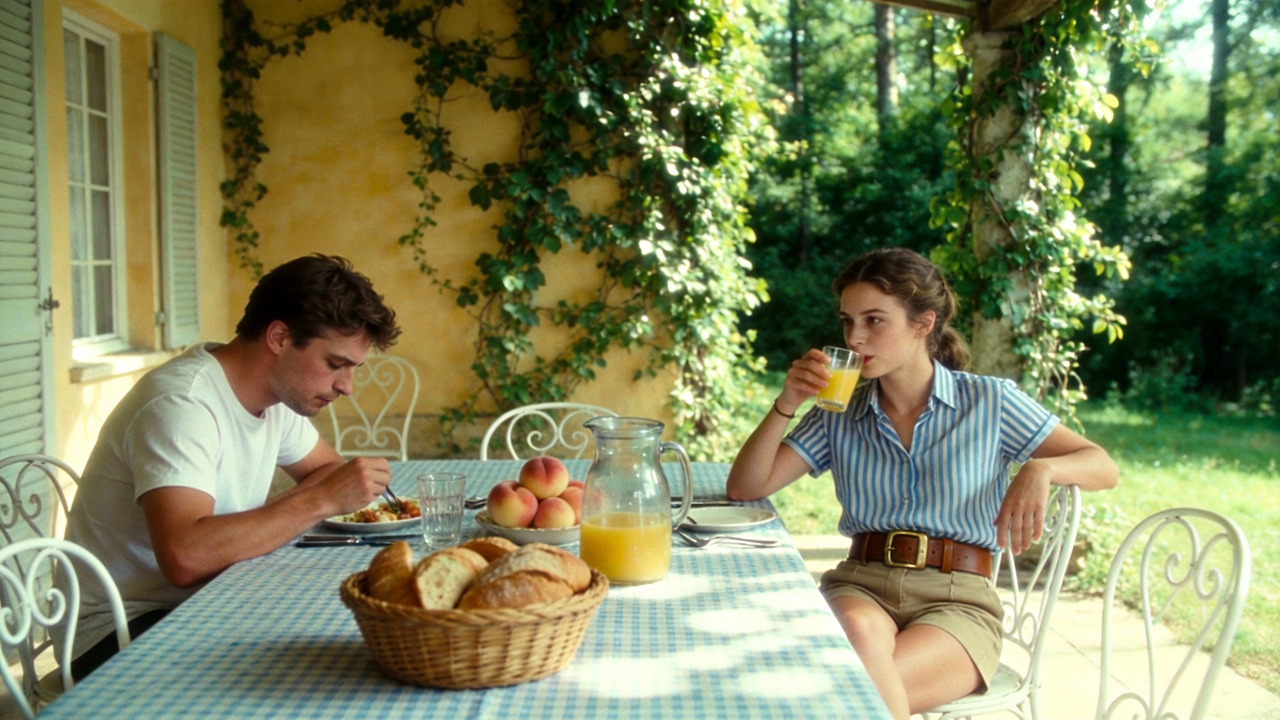
NEWKling 3.0
Kling 3.0 supports dynamic camera motion, flexible duration, and high-fidelity cinematic outputs.
 HOT
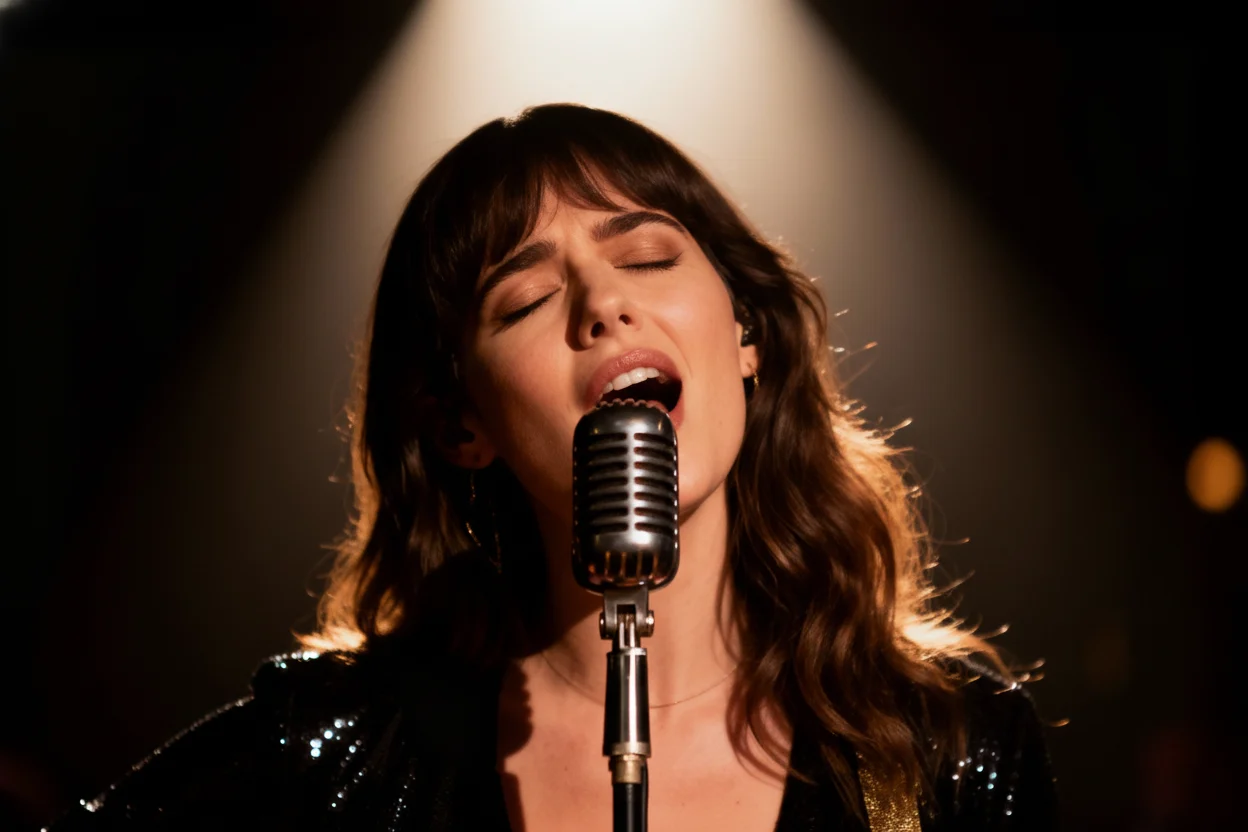
HOTVeo 3.0
Google Veo 3 delivers realistic motion, strong prompt alignment, and premium visual quality.