Random seed for reproducible results (10000-99999)
Veo 3.1 AI Video Generator
Create stunning videos with Google's advanced AI technology
Powerful Features
Multi-Image
Consistent
Character
Quality
Multi-Image Video Generation
Veo 3.1 supports uploading up to 3 reference images to create consistent character videos. Perfect for maintaining character consistency across different scenes and generating videos with specific visual elements.
Synchronized Audio Generation
Experience perfect audio-video synchronization with AI-generated sound effects, environmental audio, and dialogue that matches your video content. High-fidelity audio output ensures professional-quality results.
Advanced AI for professional video generation
Multiple aspect ratios for professional video
Flexible Aspect Ratios
Choose from Auto, 16:9, and 9:16 orientations to match your content needs. Auto mode intelligently determines the best aspect ratio based on your content.
How to Use Veo 3.1
Upload Images (Optional)
Upload up to 3 reference images to guide your video generation. More images provide better character consistency.
Describe Your Vision
Write a detailed prompt describing the video you want to create. Be specific about scenes, actions, and style.
Generate & Download
Choose your model, aspect ratio, and optional seed, then generate your AI video. Download the result in high quality.
Why Choose Veo 3.1
Multi-Image Support
Upload up to 3 reference images for consistent character generation
Audio Sync
Perfect audio-video synchronization with AI-generated sound
Two Models
Choose between Fast (20 credits) and Quality (150 credits) models
Flexible Ratios
Auto, 16:9, and 9:16 aspect ratios available
Seed Control
Optional seed parameter for reproducible results
Google Technology
Powered by Google's advanced AI video generation
Veo 3.1 Use Cases
Character Videos
Create consistent character videos using reference images
Marketing
Generate promotional videos and advertisements
Content Creation
Create engaging social media videos and content
Education
Develop educational videos and training materials
Explore More AI Video Models
Discover top AI video models for cinematic motion, visual fidelity, and stronger prompt control.
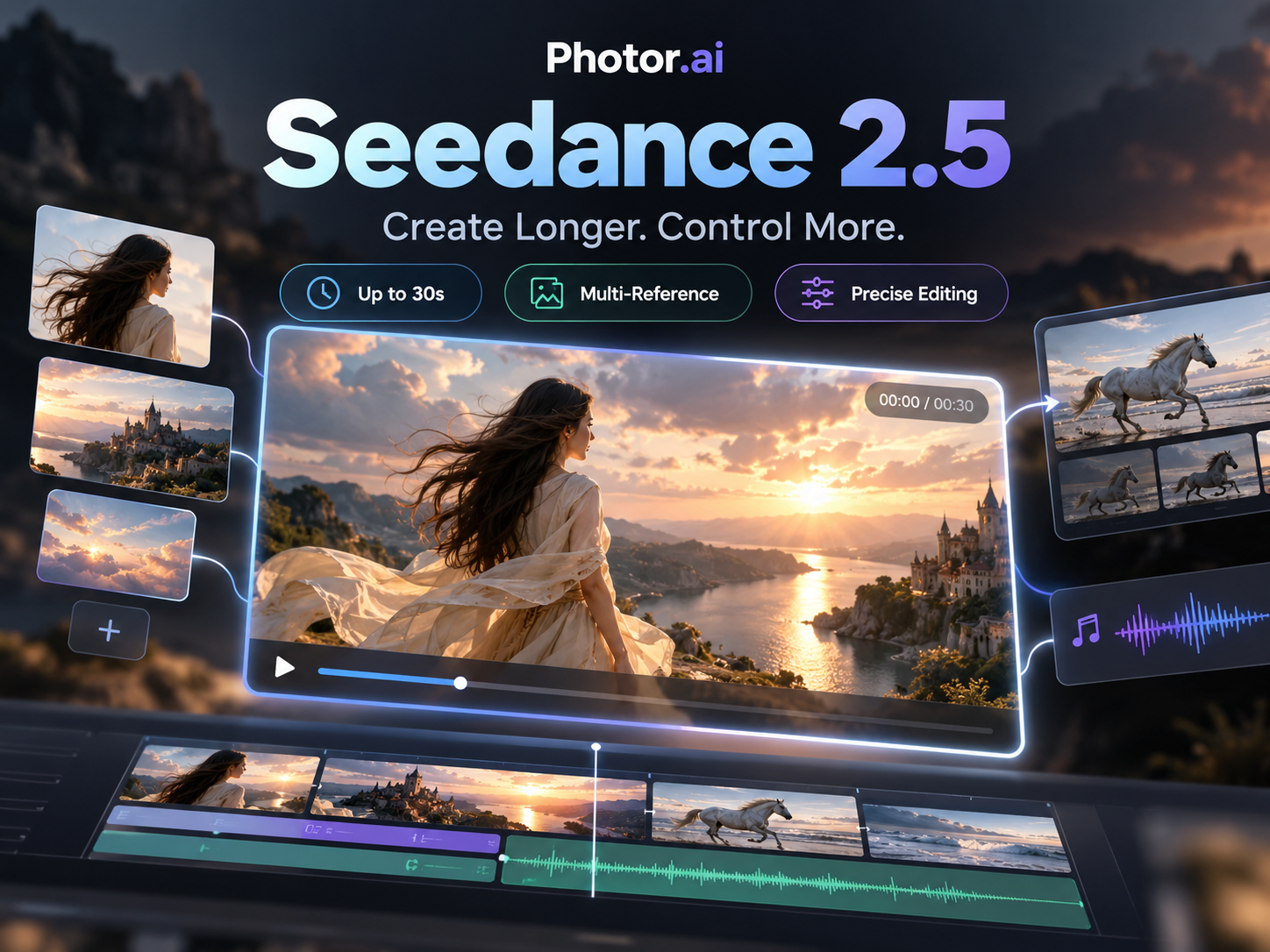 NEW
NEWSeedance 2.5
ByteDance audio-video generation with references, 1080p output, adaptive ratios, and up to 30s clips.
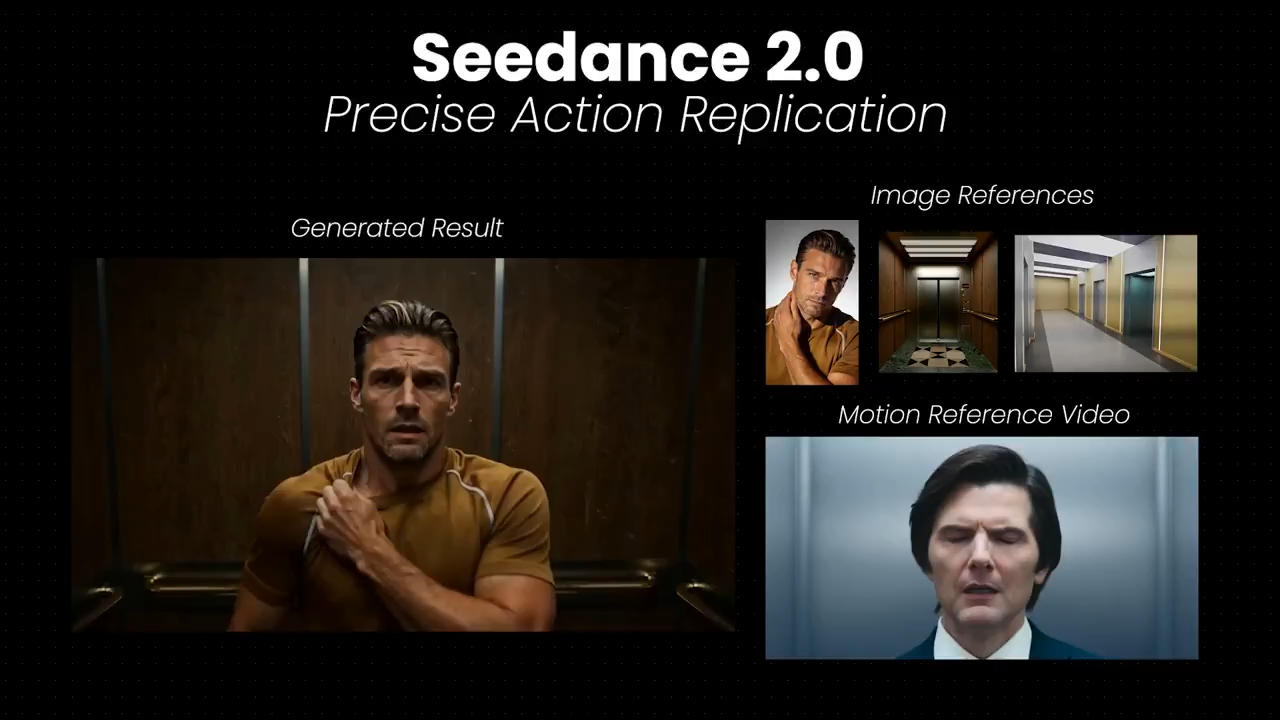
Seedance 2.0
ByteDance multimodal video with strong motion control, temporal consistency, and optional synced audio.
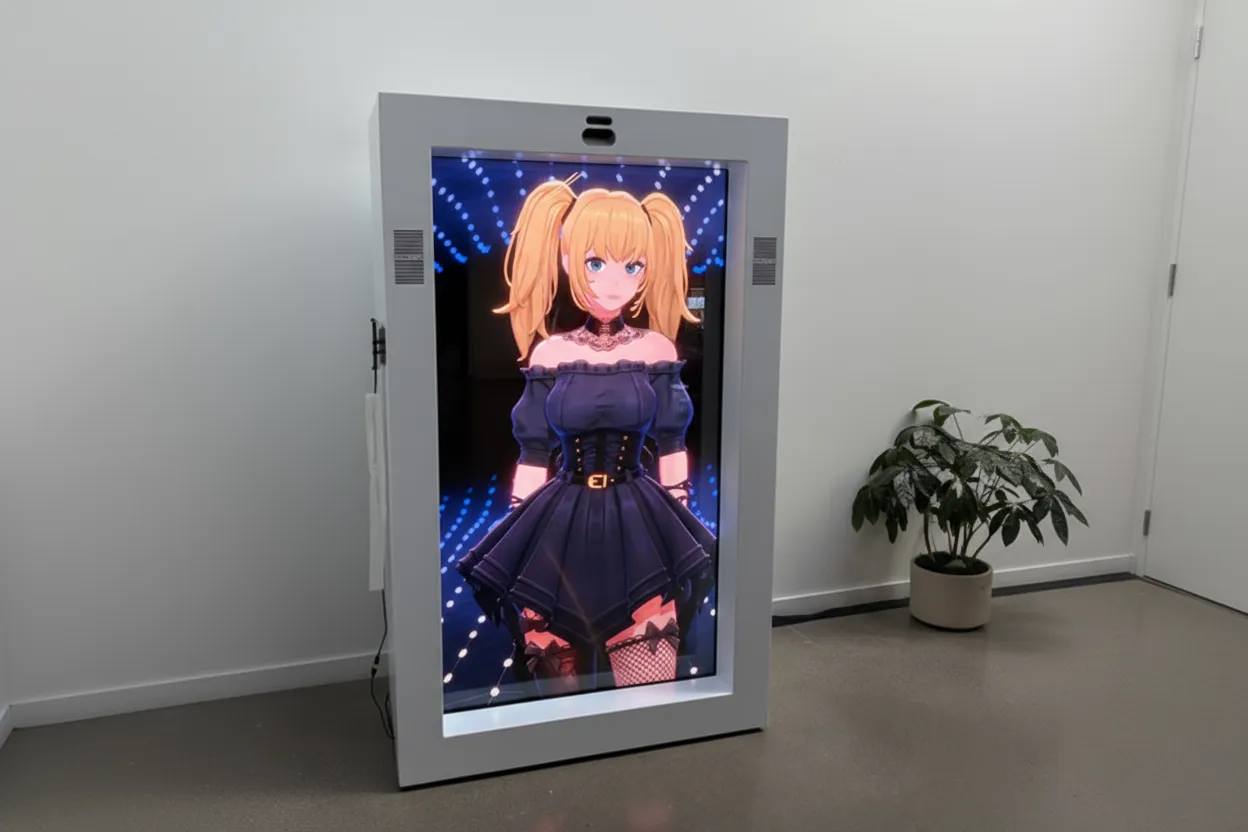 HOT
HOTGrok Imagine
xAI video model for expressive motion, stylized scenes, and vivid cinematic storytelling.
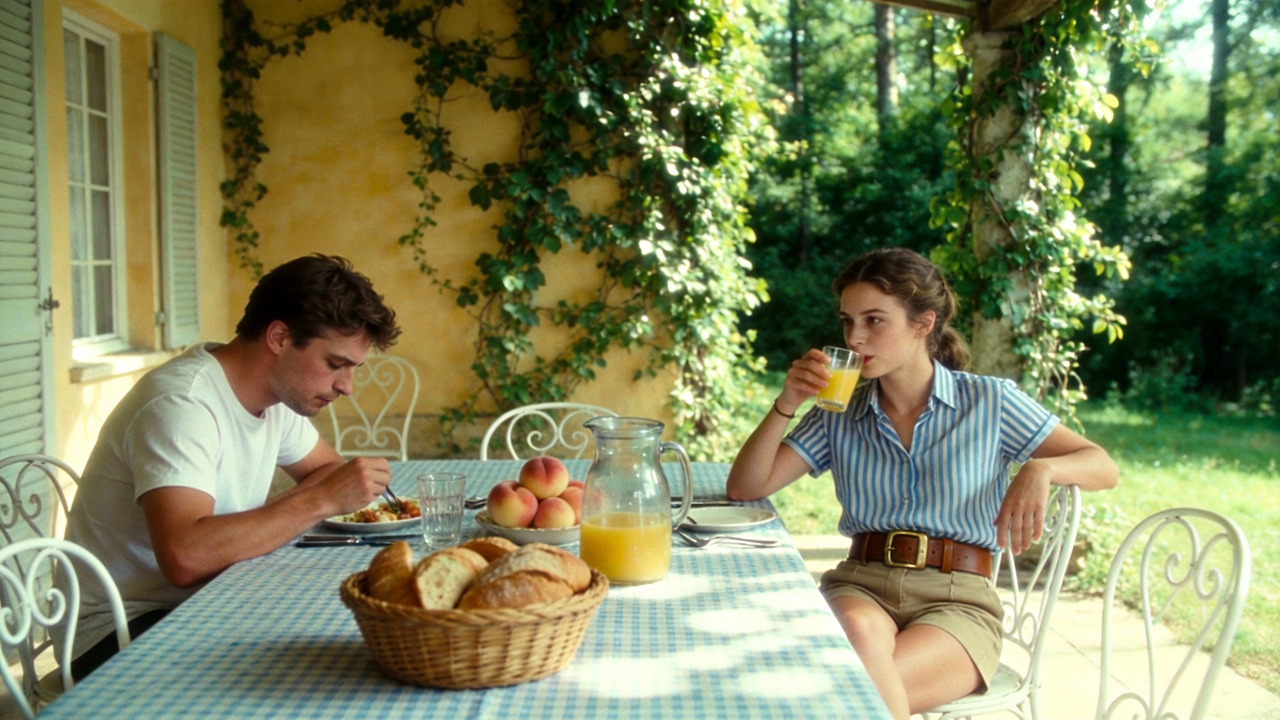 NEW
NEWKling 3.0
Kling 3.0 supports dynamic camera motion, flexible duration, and high-fidelity cinematic outputs.