Grok Imagine AI Video Generator
Text to video and image to video with synchronized audio
Powerful Video Features
Text to Video & Image to Video
Generate videos from a text prompt or from a single image. Grok Imagine supports both workflows so you can start from scratch or animate an existing image with consistent quality.
Creative Modes
Choose from Fun, Normal, and Spicy modes to control the style and tone of your video. When using an image input, Spicy mode is not supported and automatically switches to Normal.
Duration & Resolution
Select video length (6, 10, or 15 seconds) and resolution (480p or 720p). Longer and higher-resolution videos use more credits.
How to Use Grok Imagine
Choose Type
Select Text to Video to generate from a prompt only, or Image to Video to upload one image and describe how to animate it.
Describe or Upload
Write a detailed prompt for your video. In Image to Video mode, upload an image and describe the motion or story you want.
Generate & Download
Set options (aspect ratio for text; mode, duration, resolution for image), then generate. Download your video when ready.
Why Choose Grok Imagine
Dual Input
Text-to-video and image-to-video in one place. Start from a written prompt to create new scenes, or use a single image as visual reference for consistent results. Both workflows generate short clips with native, synchronized audio.
Creative Modes
Fun, Normal, and Spicy modes for different styles. Normal is the balanced baseline, Fun adds more playful creative variation, and Spicy increases visual energy and emphasis. When using image-to-video, Spicy mode is not available and the system automatically falls back to Normal.
Flexible Length
6, 10, or 15 second videos. Choose the clip length that fits your story, promo, or workflow. Longer clips can capture more motion and transitions while still keeping generation focused for short-form content.
Resolution Choice
480p or 720p to match your needs. Higher resolution offers more detail for sharper viewing on supported screens. Resolution selection helps balance quality with the cost and speed of generation.
Synchronized Audio
Native dialogue and sound with video. Grok Imagine generates synchronized sound effects, background music, and dialogue that match what’s happening in the video. This reduces the need for manual audio post-processing.
Easy to Use
Simple interface for fast video creation. Pick Text to Video or Image to Video, write your prompt, then choose mode, duration, and resolution. You can track progress and download your finished video when it’s ready.
Grok Imagine Use Cases
Content Creation
Create engaging social media and marketing videos. Turn a text brief into a compelling short clip or animate an existing image into a focused video moment. Use it for ads, landing pages, and campaign visuals that need quick iteration.
Education
Explain concepts with short animated clips. Use consistent prompts to create repeatable lesson visuals for training, onboarding, and tutorials. Short formats help you deliver clear messages while keeping attention high.
Marketing
Animate product images and promos. Highlight key features with motion while maintaining a coherent visual identity across variants. It’s well-suited for product announcements, social promos, and quick marketing experiments.
Entertainment
Short skits and creative clips. Explore creative modes to generate playful storytelling with bold style energy. Adjust duration and resolution to match your platform and share-ready output needs.
Explore More AI Video Models
Discover top AI video models for cinematic motion, visual fidelity, and stronger prompt control.
 NEW
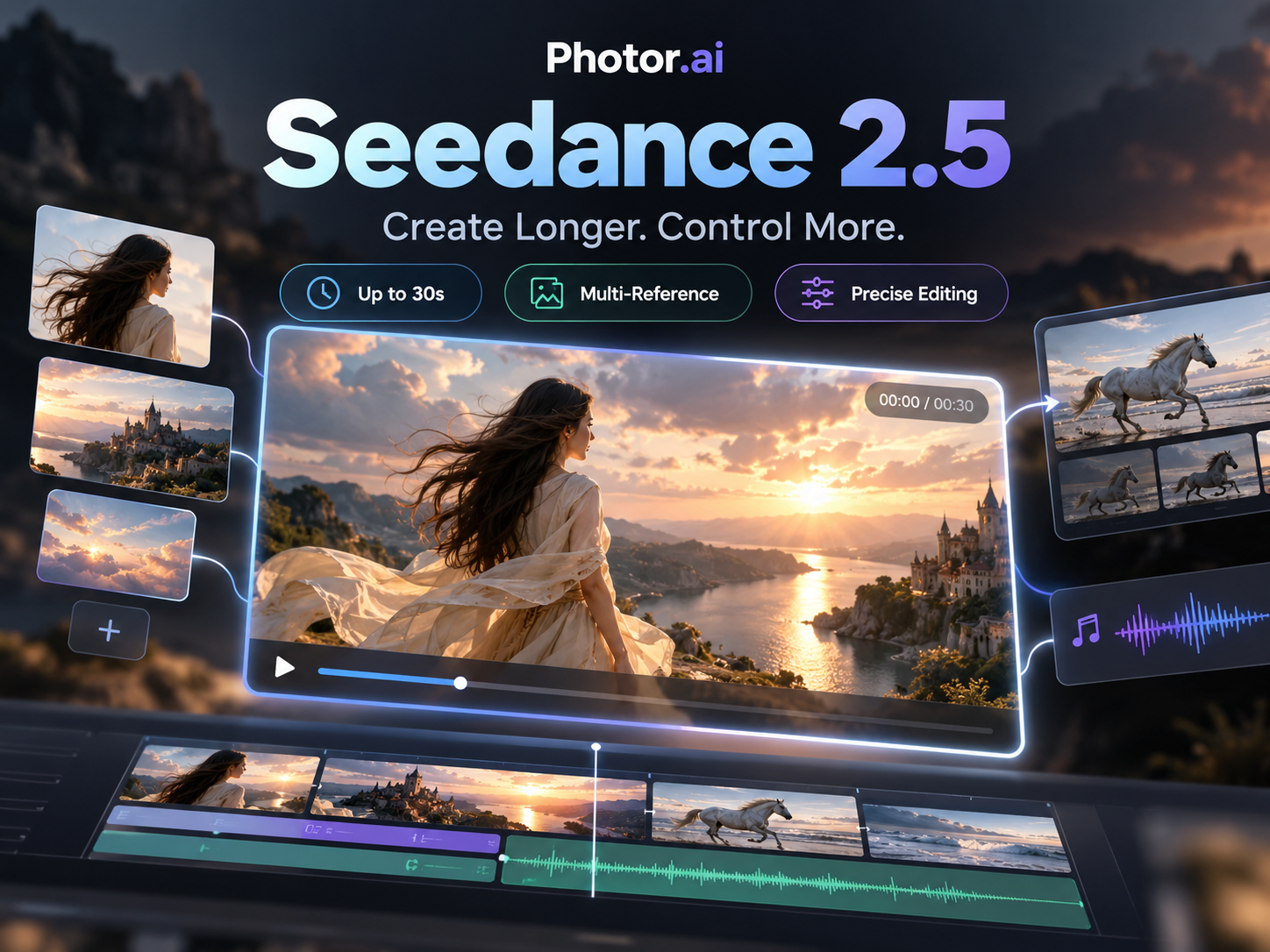
NEWSeedance 2.5
ByteDance audio-video generation with references, 1080p output, adaptive ratios, and up to 30s clips.
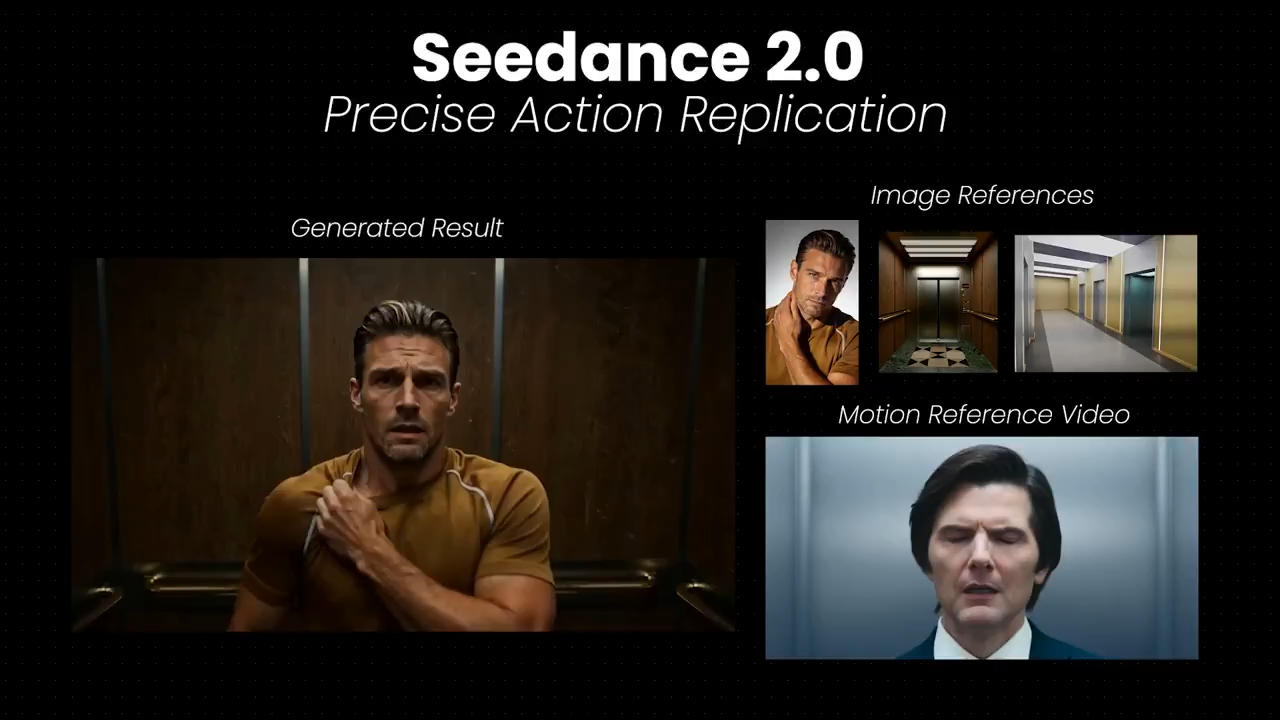
Seedance 2.0
ByteDance multimodal video with strong motion control, temporal consistency, and optional synced audio.
 NEW
NEWKling 3.0
Kling 3.0 supports dynamic camera motion, flexible duration, and high-fidelity cinematic outputs.
 HOT
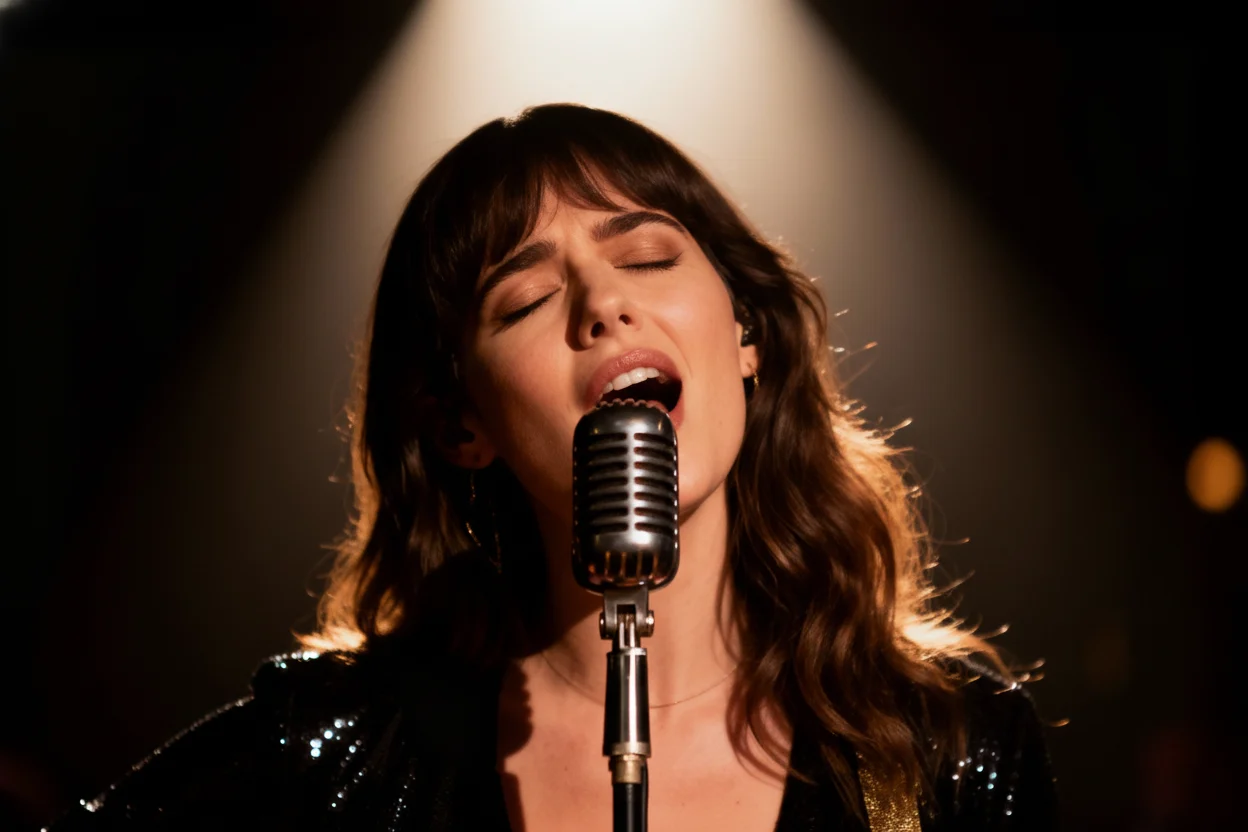
HOTVeo 3.0
Google Veo 3 delivers realistic motion, strong prompt alignment, and premium visual quality.